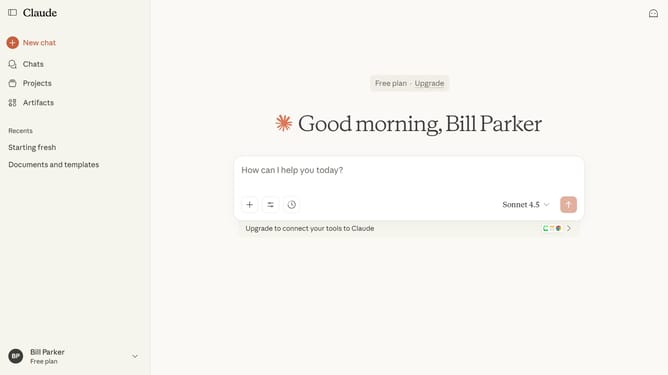
How to copy the content of a artifact to your clipboard in Claude.ai
Here is how to copy the content of a artifact to your clipboard in claude.ai
- First click on the "Artifacts" menu item in the left sidebar
- Then click on the "Your artifacts" tab in the top navigation
- Click on the artifact you want to copy
- Next click on the "Copy" button in the top toolbar to copy the entire content to your clipboard
- Now paste the content wherever you need it
Why should you copy the content of a artifact to your clipboard in Claude.ai
Claude.ai, a cutting-edge AI-powered assistant, is designed to streamline your digital interactions.
One noteworthy feature in Claude.ai is its seamless ability to copy the content of an artifact to your clipboard. This efficient function enhances productivity by enabling you to effortlessly transfer data.
Utilizing this feature allows for quick data handling, encouraging smoother workflow and minimizing interruption. It's an essential tool for those looking to optimize their digital workspace with ease and precision.
Last update