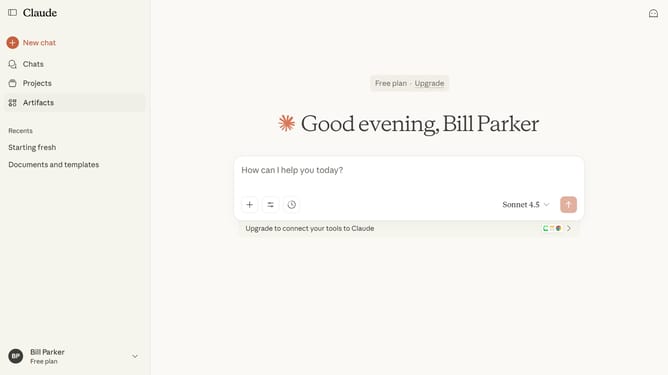
How to disable the artifacts feature in Claude.ai
Here is how to disable the artifacts feature in claude.ai
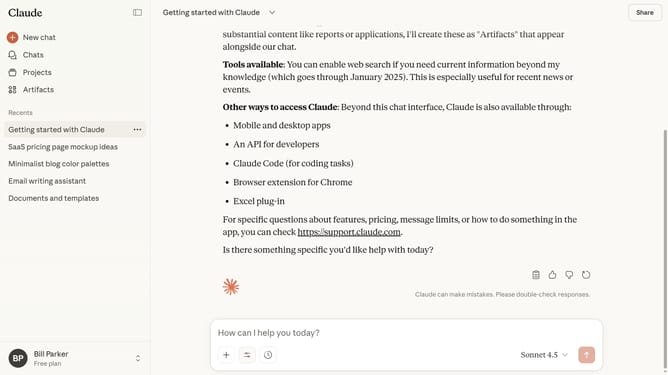
- First click on the user profile in the bottom left corner of the sidebar
- Next click on the "Settings" option in the expanded user menu
- Click on the "Capabilities" menu in the left settings navigation panel
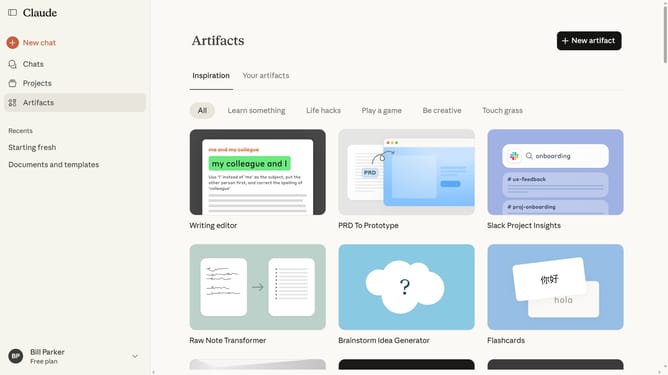
- Then locate the "Artifacts" option
- Finally toggle the switch off to disable the feature
Why should you disable the artifacts feature in Claude.ai
Claude.ai is an intelligent AI platform designed to enhance human-computer interactions with sophisticated linguistic capabilities.
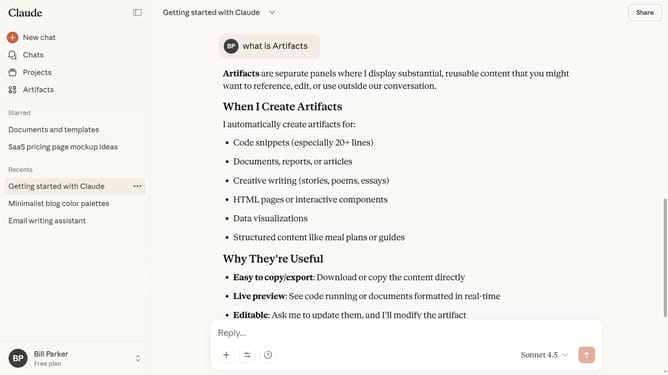
The artifacts feature in Claude.ai is a powerful tool that enhances data processing efficiency. However, if you prefer a streamlined experience focused on core tasks, disabling artifacts can declutter your interface and optimize performance.
By disabling this feature, users can benefit from a simplified environment, boosting productivity and concentration while working with Claude.ai.
Last update