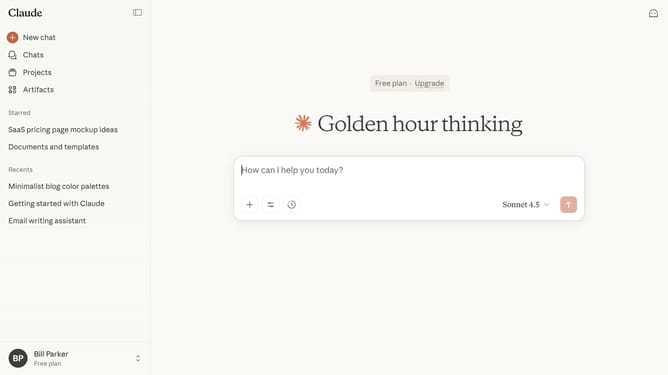
How to delete a chat in Claude.ai
Here is how to delete a chat in claude.ai
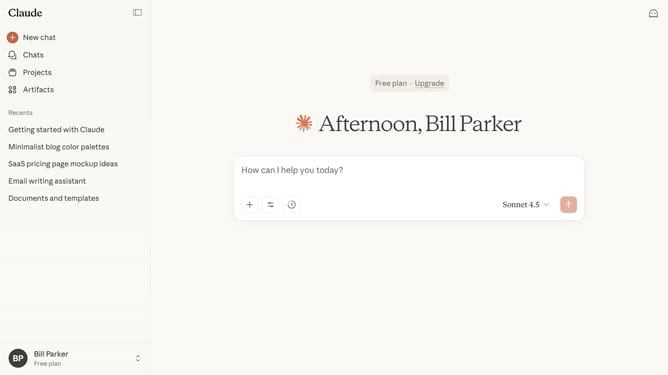
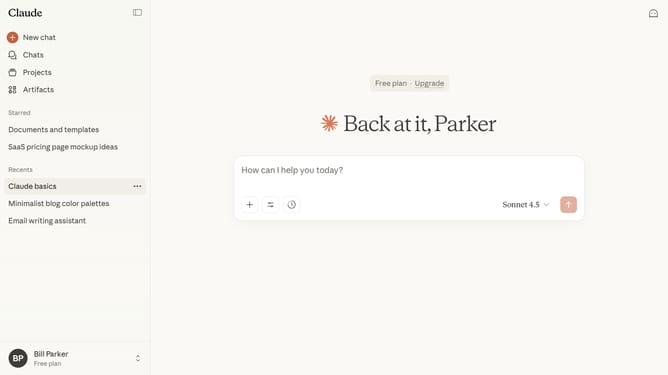
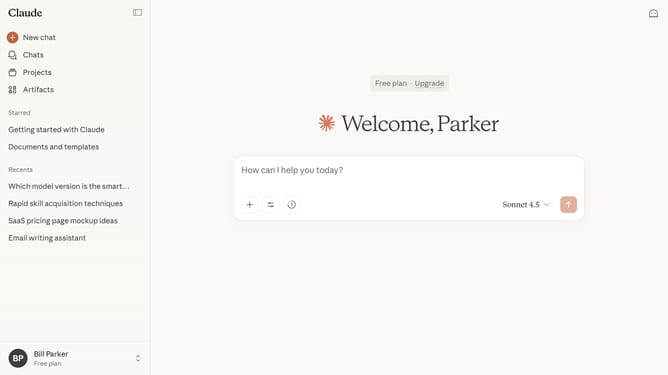
- First click on the chat you want to delete from the sidebar
- Next click on the dropdown arrow button next to the chat title in the header
- Then click on the "Delete" option in the dropdown menu
- Finally click on the 'Delete' button in the confirmation dialog to confirm deletion of the chat
Why should you delete a chat in Claude.ai
Claude.ai is an innovative conversational assistant engineered to enhance user interaction through sophisticated AI technology.
The feature to delete a chat in Claude.ai is designed to offer users a simple way to manage and organize their conversations effectively.
Removing unneeded chats streamlines your interaction experience, making navigation more efficient and ensuring privacy is maintained by clearing outdated or sensitive exchanges.
With this feature, Claude.ai supports users in maintaining a clutter-free, streamlined interface conducive to focused interactions and improved productivity.
Last update