How to create a project in Claude.ai
Here is how to create a project in claude.ai
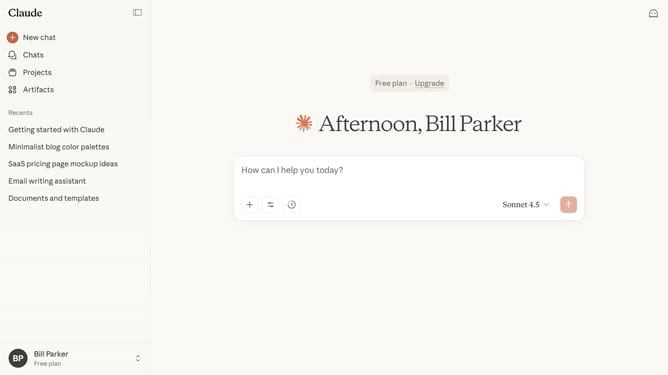
- First click on "Projects" in the left sidebar navigation menu
- Next click on "New project" button in the top right corner of the Projects page
- Enter the project name in the "What are you working on?" text field
- Then add a description if needed
- Finally click on "Create project" button at the bottom right of the form
- Your new project is now successfully created and ready to organize your work
Why should you create a project in Claude.ai
Claude.ai is a sophisticated AI-driven platform designed to effortlessly streamline project management.
Creating a project in Claude.ai offers a seamless integration of tools that enhance collaboration and organization.
This feature ensures that project timelines and tasks are clearly defined, boosting productivity and team efficiency.
By structuring projects effectively, users can focus on achieving goals, knowing that Claude.ai is adeptly managing the details.
Last update