How to move multiple chats to a project in Claude.ai
Here is how to move multiple chats to a project in claude.ai
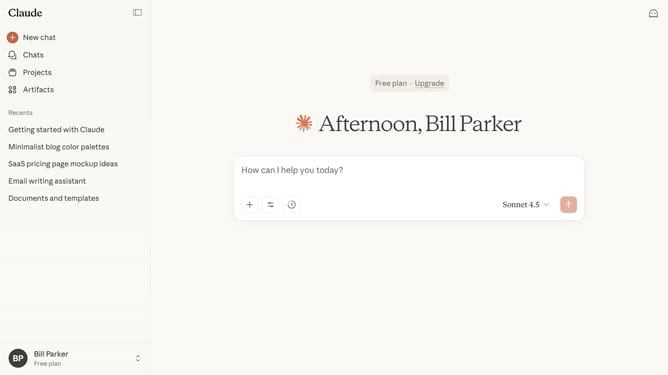
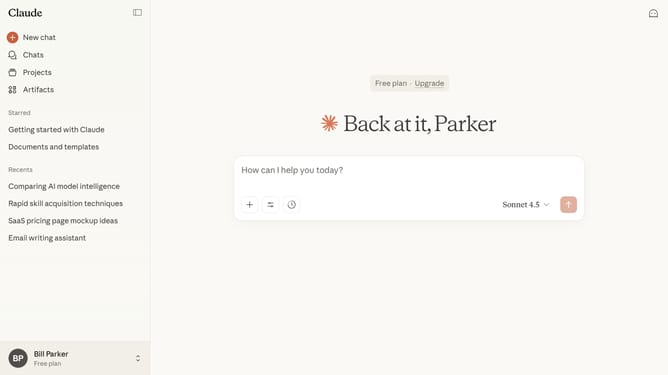
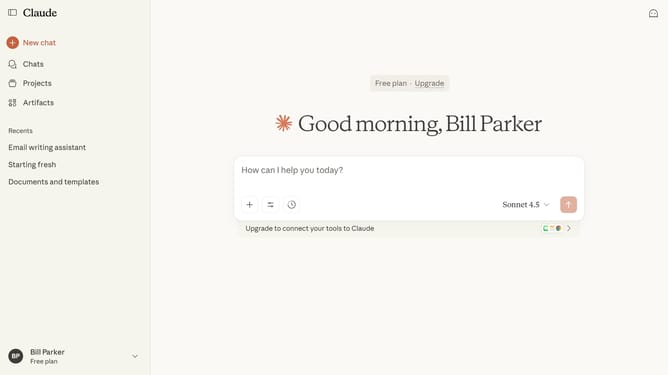
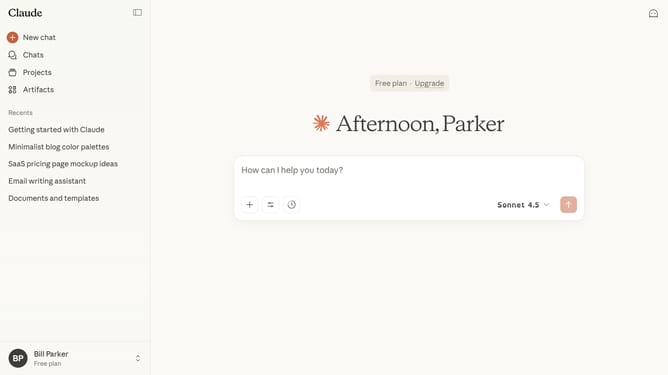
- First click on the "Chats" menu in the left sidebar
- Find the chats you want to move from the chat list
- Next select all the chats by checking their boxes
- Then click on the "Move to project" button in the action toolbar
- Finally select the project you want to move the chats into from the list
Why should you move multiple chats to a project in Claude.ai
Claude.ai is a cutting-edge tool designed to streamline project management and collaboration.
One standout feature is the ability to move multiple chats into a single project seamlessly. This functionality ensures that all relevant discussions are organized in one place, enhancing productivity and focus.
Utilizing this feature allows teams to consolidate information effortlessly, making it easier to track progress and maintain clarity across projects.
By keeping communication organized, Claude.ai fosters an efficient and collaborative work environment.
Last update