How to share your artifacts in Claude.ai
Here is how to share your artifacts in claude.ai
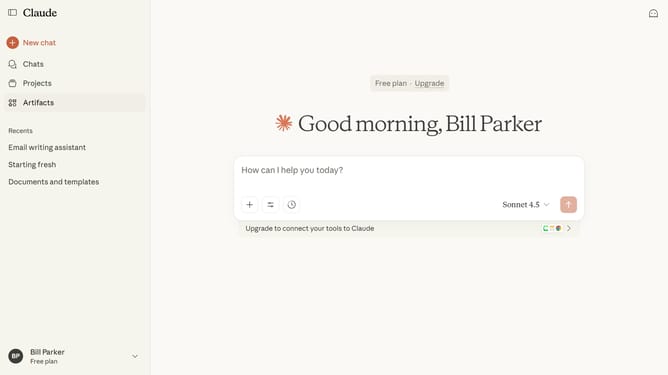
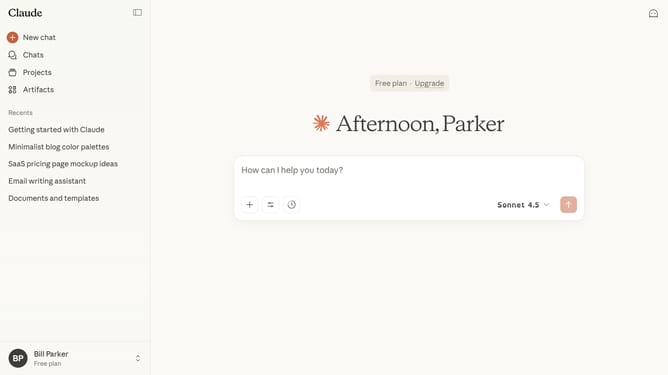
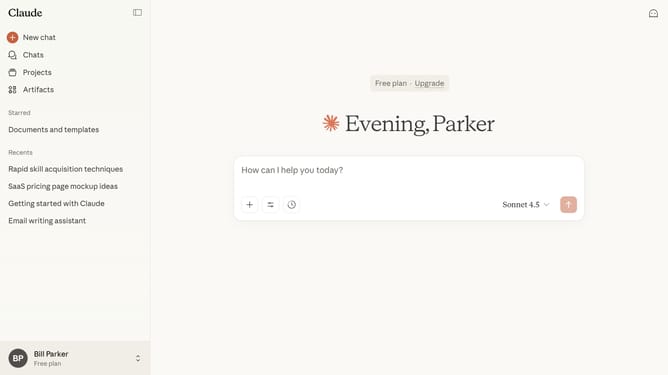
- First click on the "Artifacts" menu item in the left sidebar
- Next click on the "Your artifacts" tab in the main content area
- From the list, click on the Artifact you want to share
- Close the Artifact panel by clicking the "X" button in the top header
- Then click on the "Share" button in the top right corner of the page
- Finally click on the "Create share link" button in the share dialog modal
- The Artifact is now publicly accessible. You can copy and share the link
Why should you share your artifacts in Claude.ai
Claude.ai is an innovative platform designed to enhance collaboration and creativity by facilitating the sharing and development of digital artifacts.
One of the key features of Claude.ai is its ability to seamlessly share your artifacts, making collaboration simpler and more efficient.
By using this feature, you open up opportunities for real-time collaboration, feedback, and refinement, enriching the creative process and ensuring your projects reach their fullest potential.
Ultimately, the sharing feature in Claude.ai fosters a more connected and productive environment for teams and individuals alike.
Last update