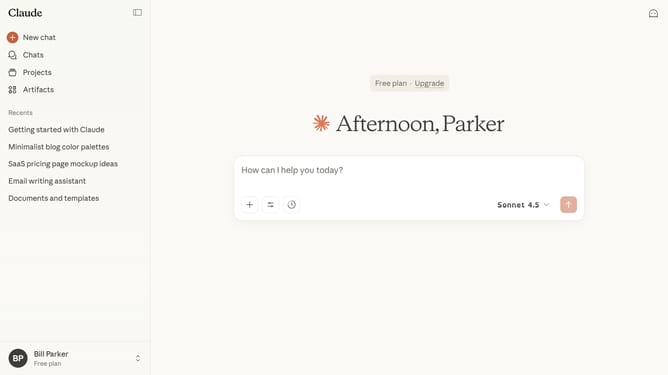
How to stop Claude.ai from using my chats to improve the model
Here is how to stop claude.ai from using my chats to improve the model
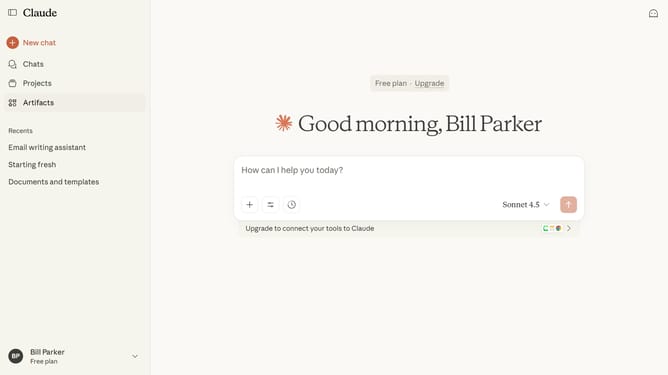
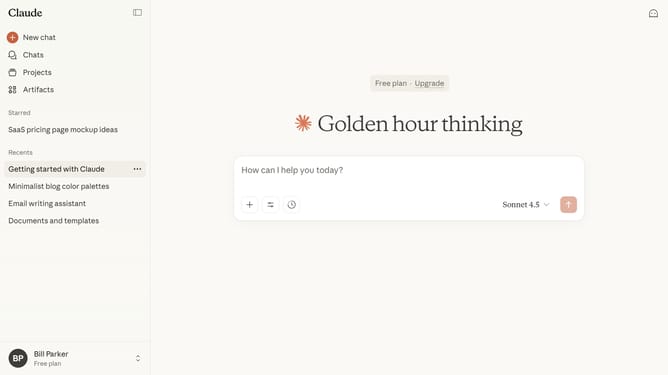
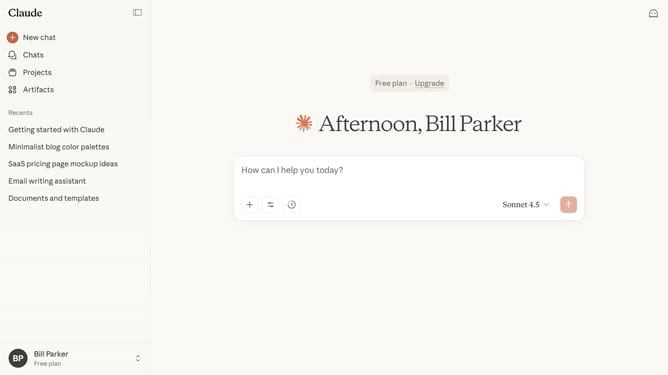
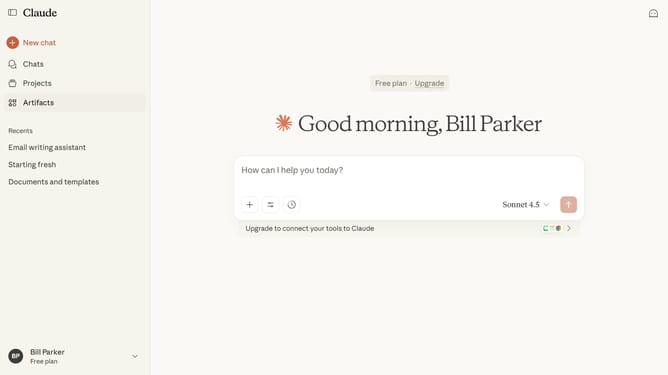
- First click on your profile button in the bottom left sidebar
- Next click on the "Settings" option in the user menu
- Click on the "Privacy" tab in the settings sidebar
- Then locate the "Help improve Claude" section in the privacy settings
- Finally, switch the toggle off to disable the feature
Why should you stop Claude.ai from using my chats to improve the model
Claude.ai is an intuitive AI platform designed to engage users through seamless conversations.
One of its beneficial features includes the ability to stop Claude.ai from using your chats to improve the model. This enhances user privacy and ensures personal information remains secure.
By choosing this feature, you gain control over your data and contribute to a more personalized experience without external influence. This empowers you to maintain a private dialogue with the assurance of confidentiality, fostering trust in your interactions with Claude.ai.
Last update