How to disable notifications for completed responses in Claude.ai
Here is how to disable notifications for completed responses in claude.ai
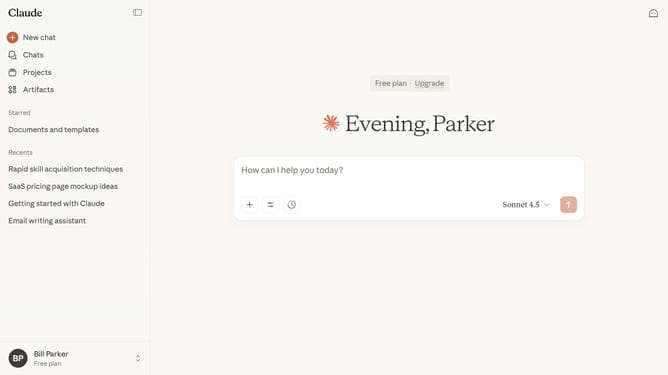
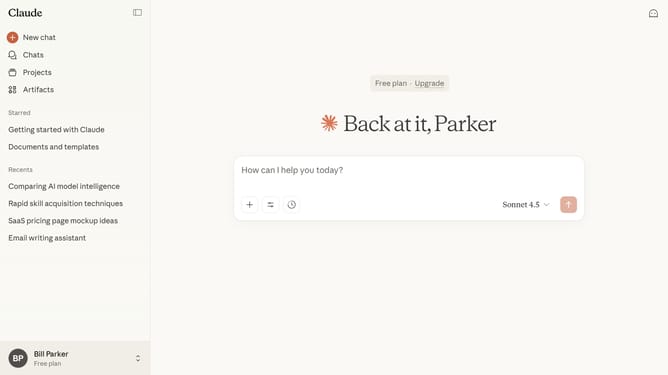
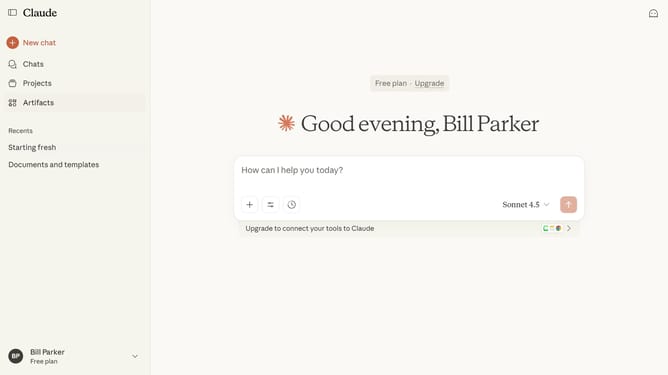
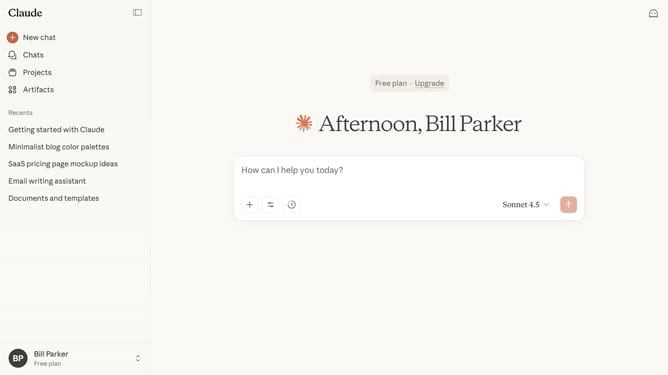
- First click on the user profile section in the bottom left corner of the sidebar
- Next click on the "Settings" option in the expanded user menu
- Navigate to the "General" tab
- Then scroll down to the "Notifications" section
- Finally click on the toggle switch for "Response completions" to disable notifications
Why should you disable notifications for completed responses in Claude.ai
Claude.ai is an advanced AI-driven platform designed to streamline your workflow through intelligent responses and suggestions.
An essential feature of Claude.ai is the ability to disable notifications for completed responses. This feature allows users to reduce digital clutter, ensuring a more focused and efficient workflow.
By managing notifications, users can maintain their concentration without unnecessary interruptions, optimizing productivity and enhancing their overall user experience.
Last update