How to export all conversations in Claude.ai
Here is how to export all conversations in claude.ai
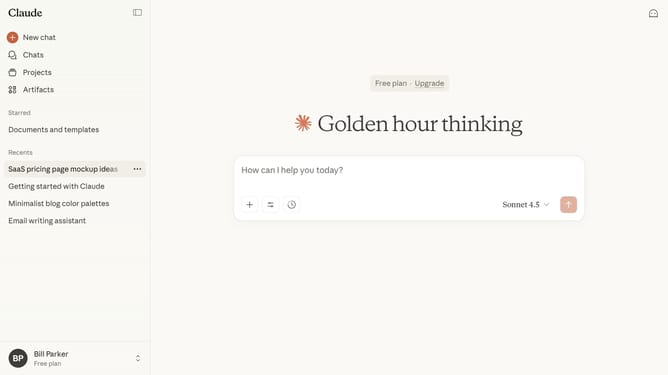
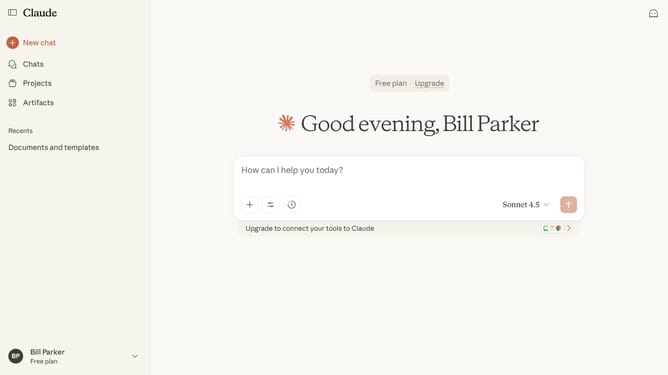
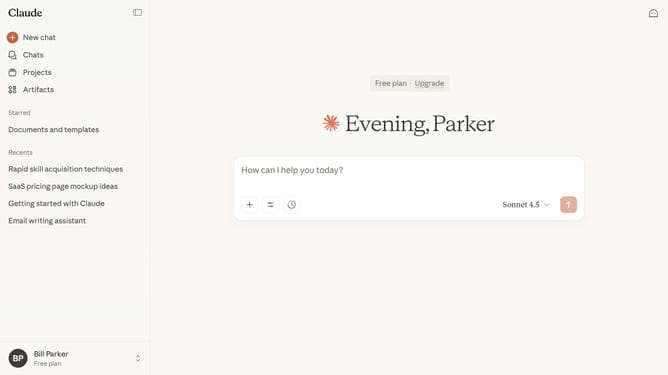
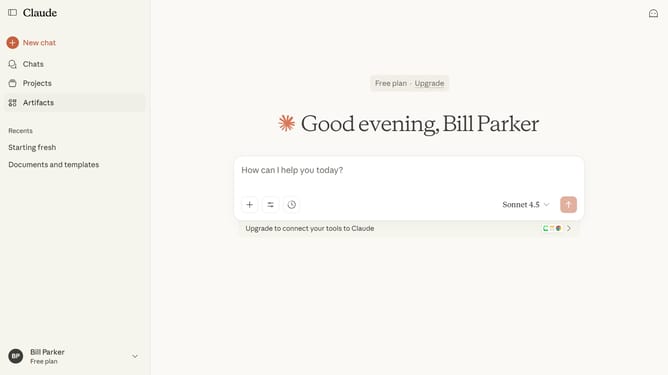
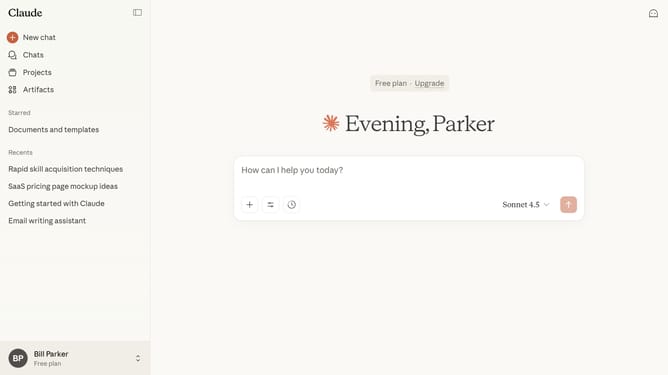
- First click on the user profile section in the bottom left sidebar to open the account menu
- Next click on the "Settings" option in the account menu
- Click on the "Privacy" tab in the settings sidebar menu
- Then click on the "Export data" button in the Privacy settings section
- In the Export data dialog, select the "All" option
- Finally click the "Export" button to start the export
- You’ll receive a download link by email once your export is ready
Why should you export all conversations in Claude.ai
Claude.ai is a conversational AI platform designed to facilitate seamless interactions between humans and technology.
The feature to export all conversations in Claude.ai offers a significant advantage by allowing users to effortlessly maintain records of their interactions. This capability ensures that important discussions are preserved for future reference, enhancing productivity and organization.
By utilizing this feature, you can easily track progress, revisit past conversations, and share insights with team members or partners. This empowers better collaboration and informed decision-making, fostering a more efficient workflow.
Last update