How to add a chat to a project in Claude.ai
Here is how to add a chat to a project in claude.ai
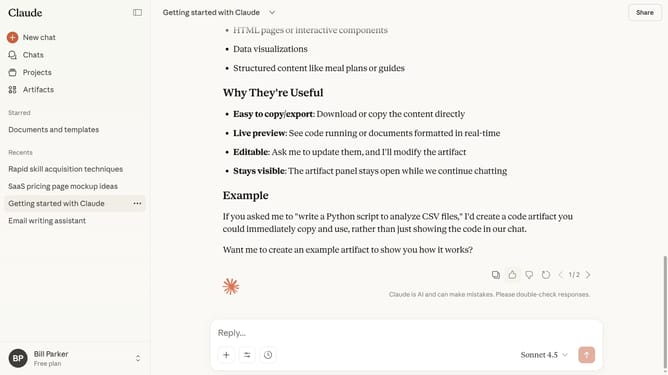
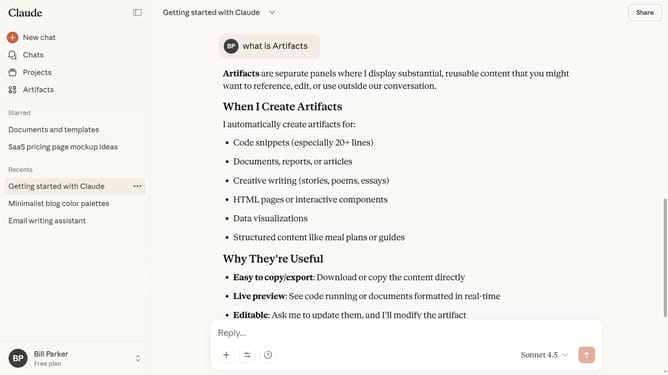
- First go to the chat you want to add to a project
- Next click on the dropdown menu button next to the chat name in the header
- Then click on the "Add to project" option in the dropdown menu
- Finally select the project you want to add the chat to from the list
Why should you add a chat to a project in Claude.ai
Claude.ai is a sophisticated AI platform designed to enhance team collaboration and project efficiency.
Integrating chat into a Claude.ai project enriches team communication by centralizing discussions, ensuring seamless knowledge transfer and real-time collaboration.
This feature simplifies project management by fostering open dialogue, improving decision-making, and enabling quick access to shared insights. As a result, teams can work more cohesively and with greater agility. Adding chat enhances project flow, ensuring everyone remains aligned and informed.
Last update