How to rename a custom style in Claude.ai
Here is how to rename a custom style in claude.ai
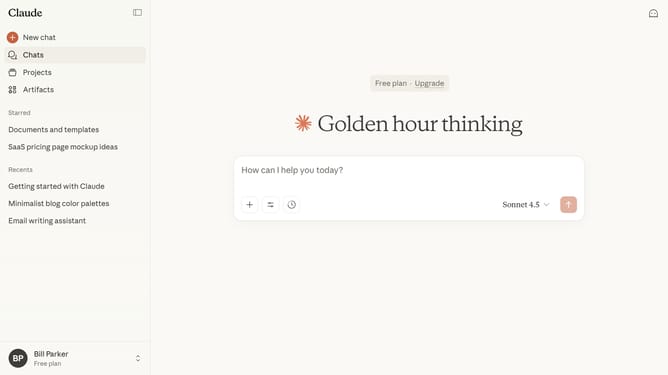
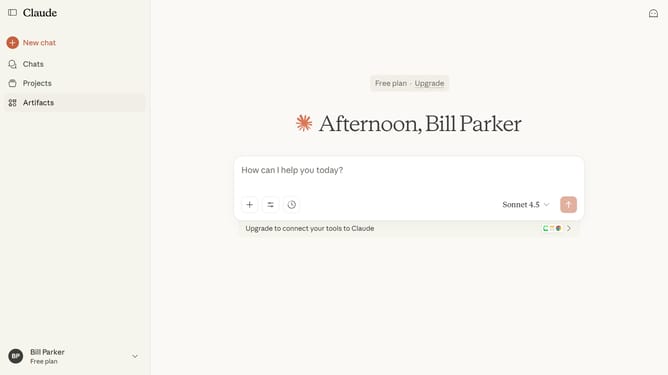
- First start a new chat or open an existing chat
- Next click on the "Search and tools" button below the input field
- Click on the "Use style" option in the dropdown menu
- Then click on the "Create & edit styles" button at the bottom of the styles menu
- Click on the custom style you want to rename from the styles list
- Next click on the style name field to edit it
- Then update the style name field with the new name you want
- Finally click on the confirmation button to save the style name
- The custom style will now appear with its new name
Why should you rename a custom style in Claude.ai
Claude.ai is a cutting-edge AI platform designed to enhance productivity through intelligent automation.
Renaming a custom style in Claude.ai is a seamless feature that adds a personal touch to your work environment.
By assigning meaningful names to styles, you streamline workflow management, making it simpler and faster to locate the exact tools you need for specific tasks.
This customization fosters efficiency, ensures consistency, and empowers users to make the most of Claude.ai's dynamic capabilities.
Last update