How to search for a chat in Claude.ai
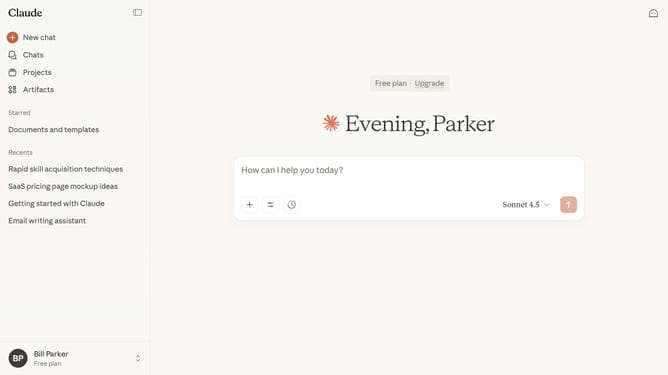
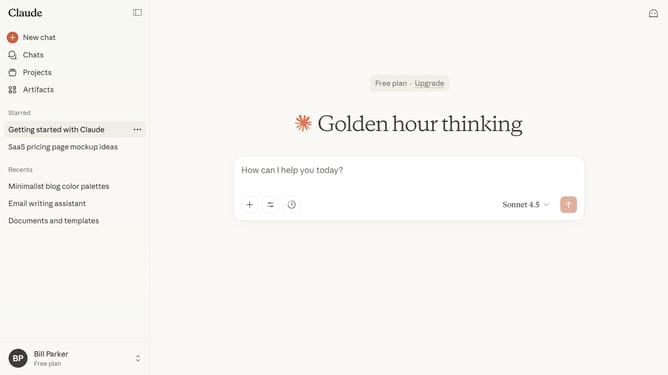
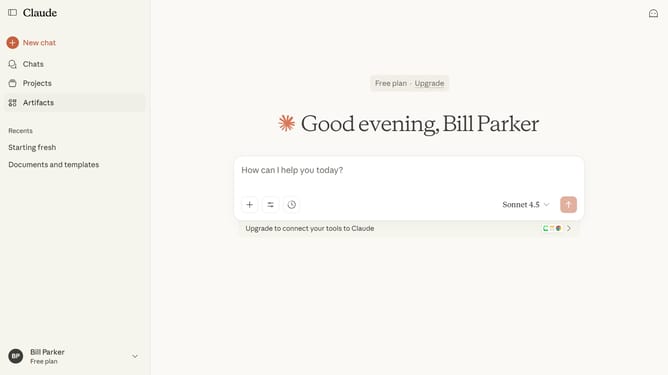
Here is how to search for a chat in claude.ai
- First click on "Chats" menu in the left sidebar to view all your chats
- Then browse the list to find the chat
- You can also click the Search bar at the top of the sidebar
- Next type a keyword, chat title, or phrase related to the chat you want to find
- From the filtered results that appear, click the chat you were searching for to open it
Why should you search for a chat in Claude.ai
Claude.ai is an intuitive AI tool designed to enhance communication and streamline information management.
Searching for a chat in Claude.ai is effortlessly simple, enabling users to quickly retrieve past conversations. This feature helps maintain continuity and ensures no valuable information is lost.
By using this search function, users can save time and increase productivity, making data management more efficient and organized. The ability to access specific chats instantly adds value to any collaborative effort.
Last update