How to select a preset style in Claude.ai
Here is how to select a preset style in claude.ai
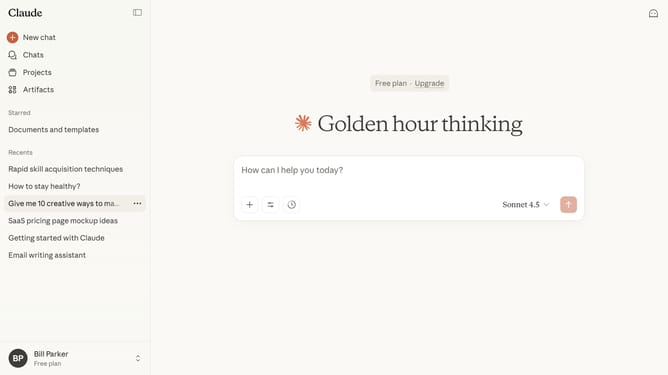
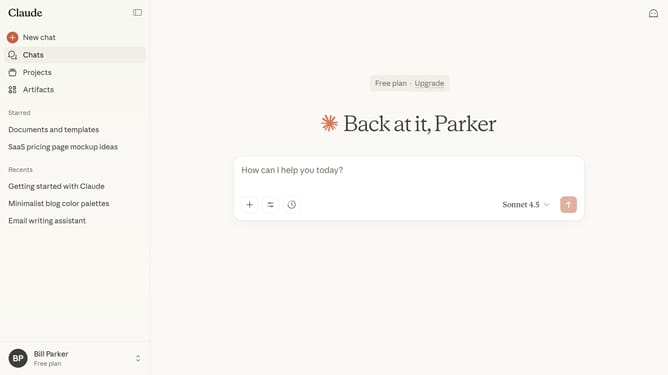
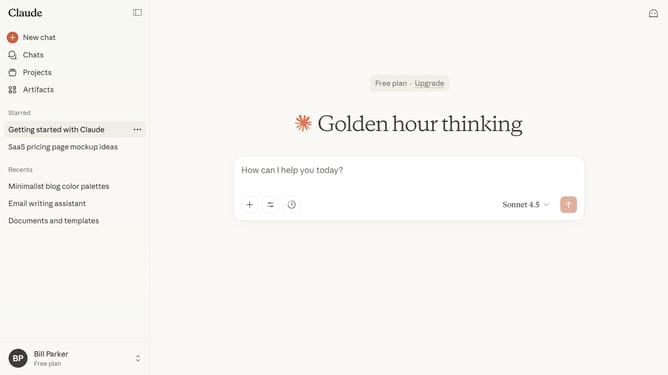
- First start a new chat or open an existing chat
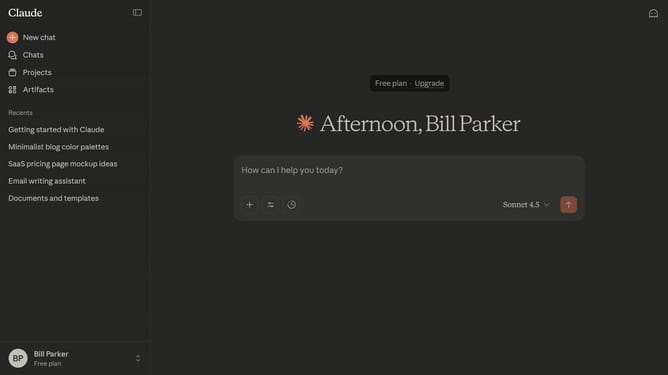
- Next click on the "Search and tools" button below the input field
- Click on the "Use style" option in the dropdown menu
- Then select preset style you want to use from the style menu
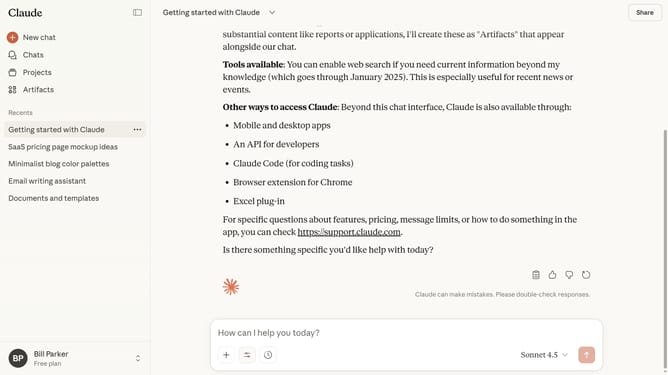
- You can now type your prompt, and Claude will adapt its responses according to your selected style
Why should you select a preset style in Claude.ai
Claude.ai is a cutting-edge AI platform designed to enhance creativity and productivity with intuitive tools.
Selecting a preset style in Claude.ai allows users to effortlessly align their projects with distinct artistic and professional expressions.
The feature offers a streamlined experience, enabling creators to match their work with established aesthetics quickly.
This versatility ensures consistency and saves time, making it ideal for users aiming to convey a specific tone or identity without extensive customization.
Last update