How to view archived projects in Claude.ai
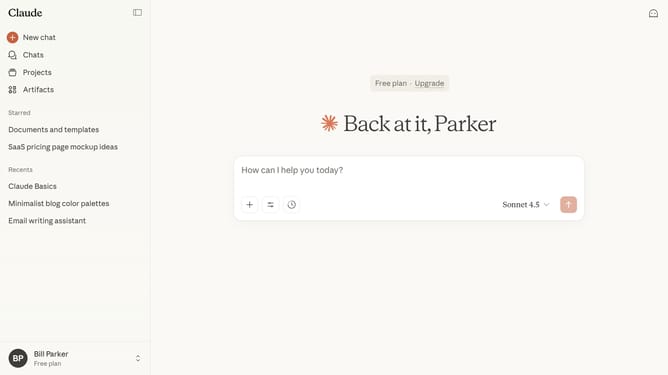
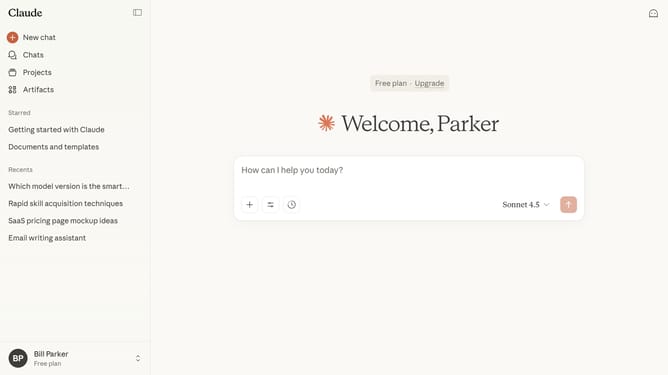
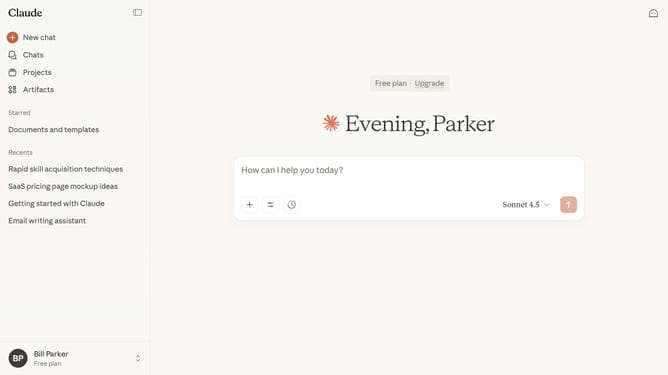
Here is how to view archived projects in claude.ai
- First click on "Projects" in the left sidebar navigation menu
- Then click on the "Archived" tab at the top of the Projects page
- The page will display all projects that have been archived
Why should you view archived projects in Claude.ai
Claude.ai is an innovative platform designed to enhance project management and collaboration for modern teams.
One of its standout features is the ability to easily view archived projects. This feature helps streamline project management by allowing team members to access past projects quickly.
Utilizing this feature not only aids in retrieving valuable insights and data from previous endeavors but also fosters continuous improvement by learning from past experiences.
Ultimately, accessing archived projects ensures efficient resource management, saving time and boosting productivity.
Last update