How to remove a chat from the starred section in Claude.ai
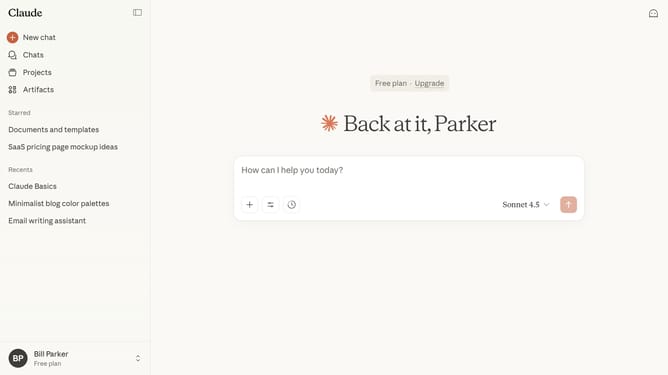
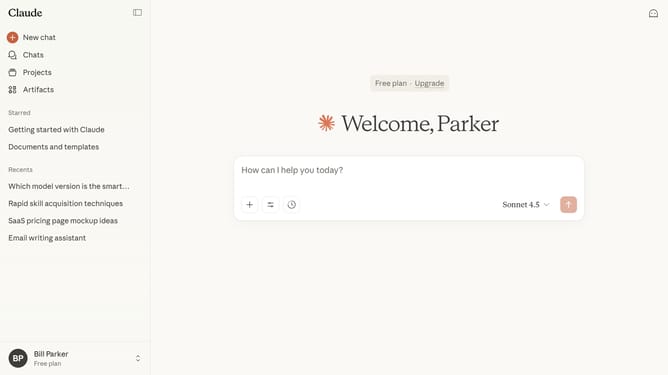
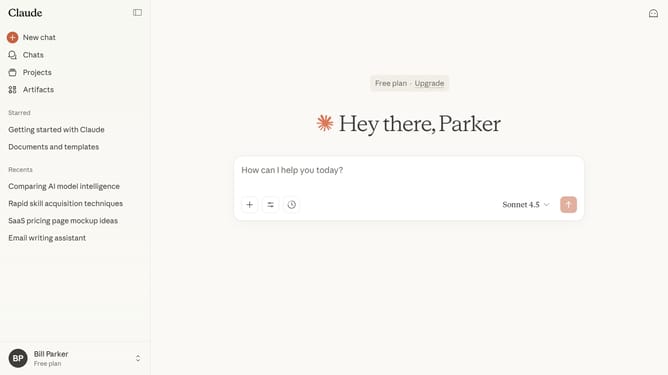
Here is how to remove a chat from the starred section in claude.ai
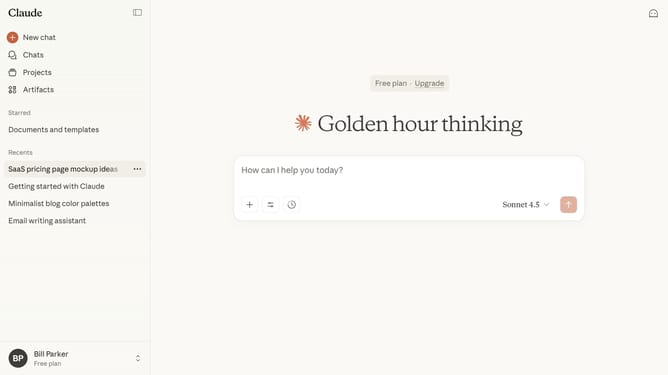
- First locate the chat you want to unstar in the left sidebar
- Hover and click the three-dot menu next to that chat
- Then click on the "Unstar" option in the context menu
- The chat will be removed from your Starred section
Why should you remove a chat from the starred section in Claude.ai
Claude.ai is a cutting-edge AI platform designed to enhance digital interactions through intelligent conversations.
The ability to remove a chat from the starred section in Claude.ai allows users to keep their workspace organized and focused. By managing starred chats effectively, users can prioritize discussions that matter most, leading to increased productivity.
This feature provides a streamlined experience, ensuring that your attention remains on important tasks without the clutter of outdated or irrelevant conversations.
Last update