How to rename a project in Claude.ai
Here is how to rename a project in claude.ai
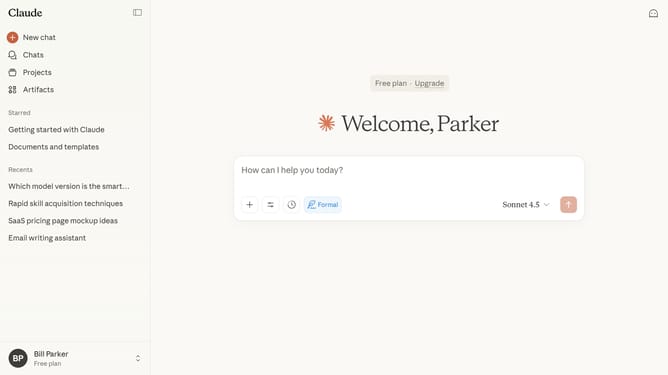
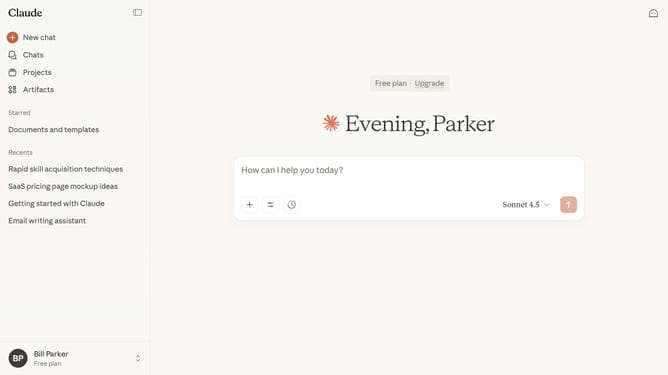
- First click on the "Projects" item in the left sidebar navigation menu
- In the project page, find the project you want to rename
- Next hover over it and click on the three-dot menu icon in the top right corner
- Select "Edit details" option from the dropdown menu that appears
- In the "Edit details" dialog, enter the new project name
- Finally click on the "Save" button to save the changes
Why should you rename a project in Claude.ai
Claude.ai is an innovative platform designed to streamline project management and foster seamless team collaboration.
Renaming a project in Claude.ai is a simple yet powerful feature that enhances user organization and clarity.
By easily altering project titles, users can ensure their work remains structured and accessible, aiding in quick identification and retrieval. This feature supports dynamic project evolution, aligning with changing goals and priorities without hassle.
Ultimately, renaming capabilities promote efficiency, allowing teams to focus on achieving objectives with clarity and precision.
Last update