How to enable location metadata in Claude.ai
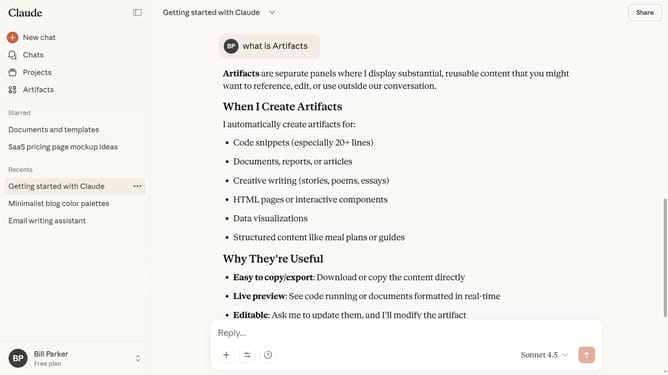
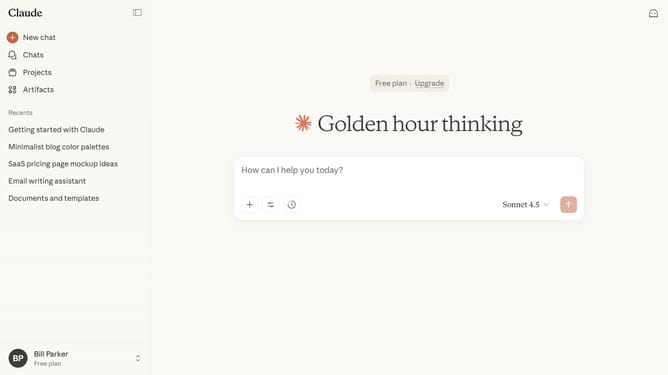
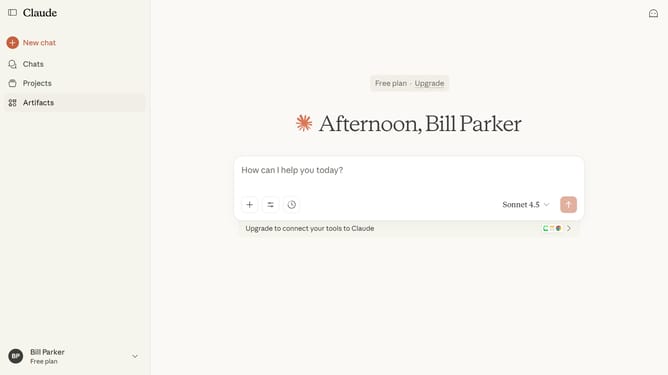
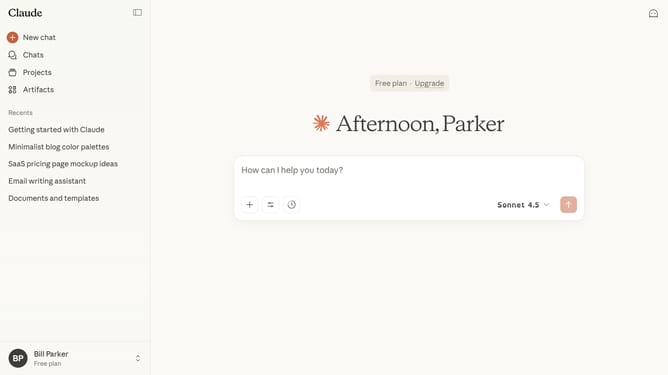
Here is how to enable location metadata in claude.ai
- First click on your profile in the bottom left sidebar
- Next click on the "Settings" option in the account menu
- Click on the "Privacy" tab in the settings sidebar
- Then find the "Location metadata" option in the Privacy settings section
- Finally, switch the toggle on to enable the feature
Why should you enable location metadata in Claude.ai
Claude.ai is an innovative platform designed to enhance creativity and streamline workflows using artificial intelligence.
Enabling location metadata in Claude.ai can significantly enrich your experience by offering contextually relevant information tailored to your specific location.
This feature is particularly beneficial for optimizing processes that rely on geographical data, ensuring accuracy and efficiency. By utilizing location metadata, users can leverage location-specific insights, enhancing decision-making and delivering more personalized content.
Integrating location data into your workflow allows Claude.ai to provide a more dynamic, contextual engagement that aligns perfectly with your unique operational needs. It enables better resource allocation and improved analytics, driving success through insightful, location-driven strategies.