How to enable AI-powered artifacts in Claude.ai
Here is how to enable ai-powered artifacts in claude.ai
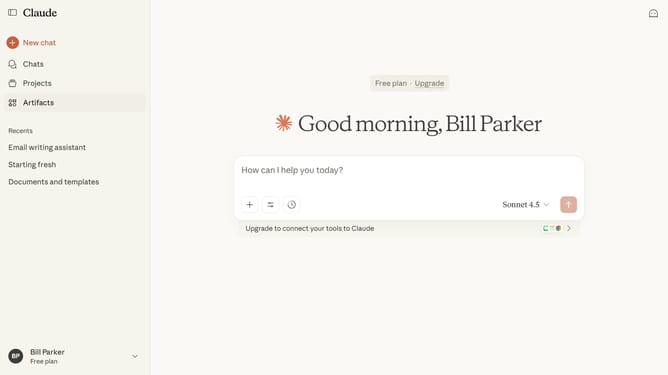
- First click on your profile in the bottom left sidebar to open the account menu
- Next click on the "Settings" option in the account menu
- Click on the "Capabilities" option in the left settings menu
- Then locate the "AI-powered artifacts" option
- Finally click the toggle on to enable the feature
Why should you enable AI-powered artifacts in Claude.ai
Claude.ai is a cutting-edge platform that empowers users with AI-driven solutions for enhanced productivity.
Activating AI-powered artifacts in Claude.ai unlocks a world of intelligent automation, streamlining tasks with precision.
This feature transforms your workflow, offering insights and efficiencies unavailable through traditional methods.
Harnessing Claude.ai’s capabilities ensures a competitive edge, making it an invaluable tool for progressive individuals.
Last update