How to delete a project in Claude.ai
Here is how to delete a project in claude.ai
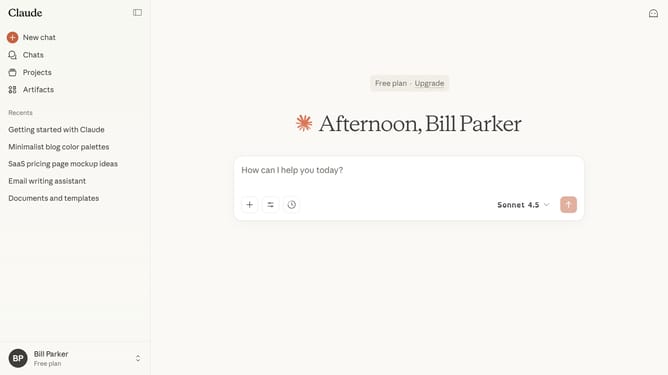
- First click on "Projects" in the left sidebar navigation menu
- Click the project you want to delete to open it
- Next click on the three-dot menu icon in the project header
- Then select "Delete" option from the dropdown menu
- Finally click on the "Delete" button in the confirmation dialog to confirm project deletion
Why should you delete a project in Claude.ai
Claude.ai is an innovative platform designed to optimize project management by providing intuitive AI-driven solutions.
The feature of deleting a project in Claude.ai streamlines your workspace by allowing the removal of obsolete or unnecessary projects, ensuring a clutter-free environment.
This facilitates enhanced focus by reducing distractions, helping teams concentrate on current priorities and improving productivity.
Keeping your workspace organized not only enhances efficiency but also contributes to clearer strategic planning and better resource management.
Last update