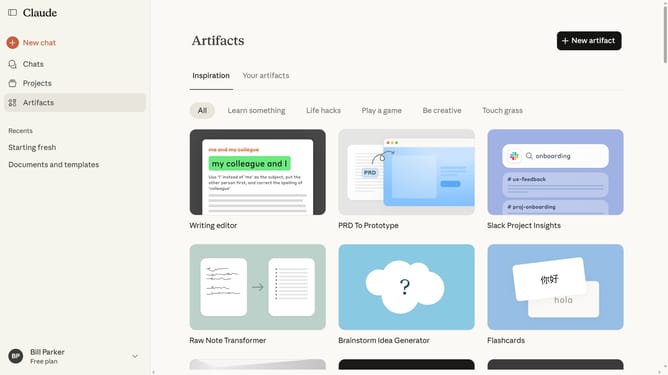
How to view all your projects in Claude.ai
Here is how to view all your projects in claude.ai
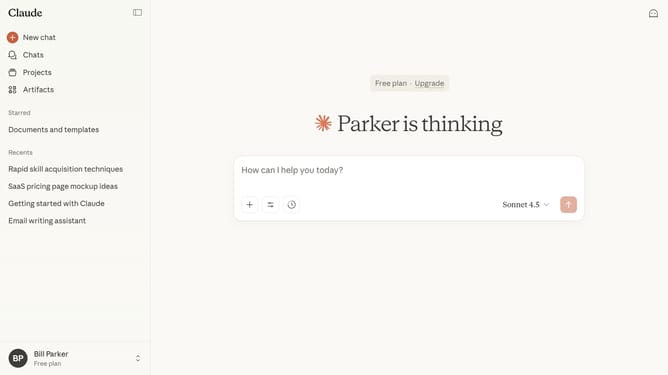
- First click on the "Projects" menu item in the left sidebar
- Then the Projects page will open, displaying all your projects
Why should you view all your projects in Claude.ai
Claude.ai is a cutting-edge platform designed to streamline and optimize project management tasks effortlessly.
By using the "view all your projects" feature in Claude.ai, you can quickly gain an overview of your ongoing and completed tasks, allowing you to manage workload effectively.
This feature enhances your ability to prioritize and allocate resources, ensuring that nothing falls through the cracks and projects remain on schedule.
Leverage the clarity and efficiency provided by this feature to drive productivity and achieve your project goals seamlessly.
Last update