How to unstar a chat from the sidebar in Claude.ai
Here is how to unstar a chat from the sidebar in claude.ai
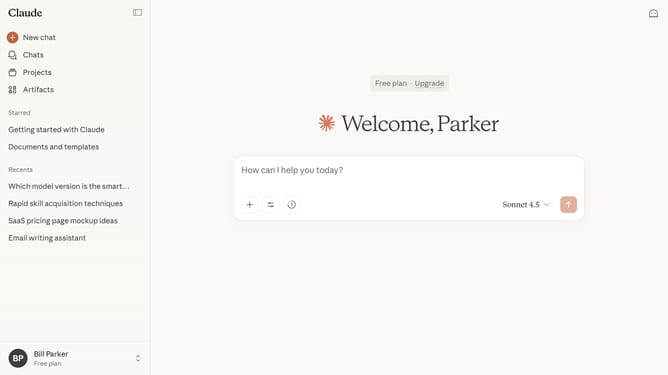
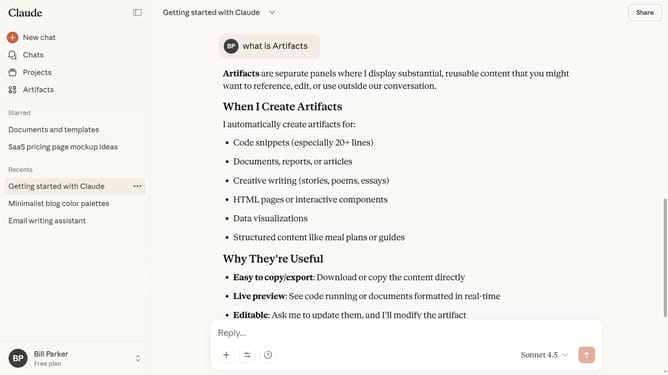
- First locate the chat you want to unstar in the left sidebar
- Hover and click the three-dot menu next to that chat
- Then click on the "Unstar" option in the context menu
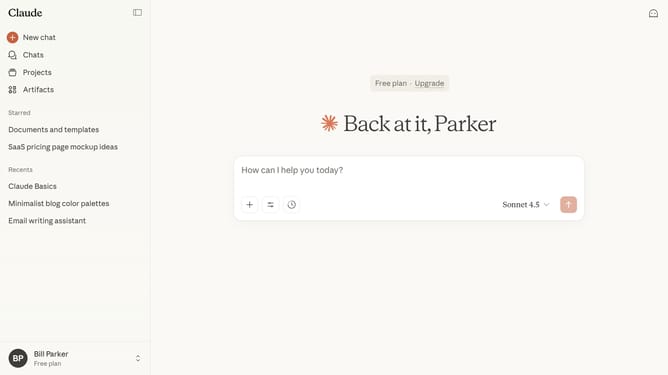
- The chat will be removed from your Starred section
Why should you unstar a chat from the sidebar in Claude.ai
Claude.ai is your intelligent assistant designed to enhance productivity with ease.
Unstarring a chat from the sidebar in Claude.ai is a simple yet powerful feature that helps you keep your workspace organized. By removing the star, you can declutter your view, focusing only on the most important conversations.
Using this feature enhances efficiency, allowing you to streamline and prioritize your chats. It ensures your sidebar remains manageable, contributing to a smoother, more productive user experience.
Last update