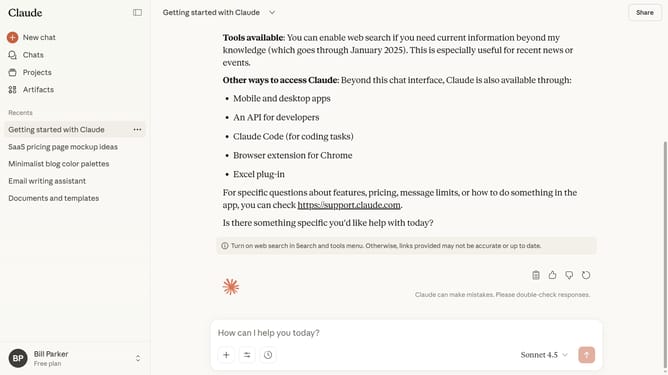
How to delete multiple chats in Claude.ai
Here is how to delete multiple chats in claude.ai
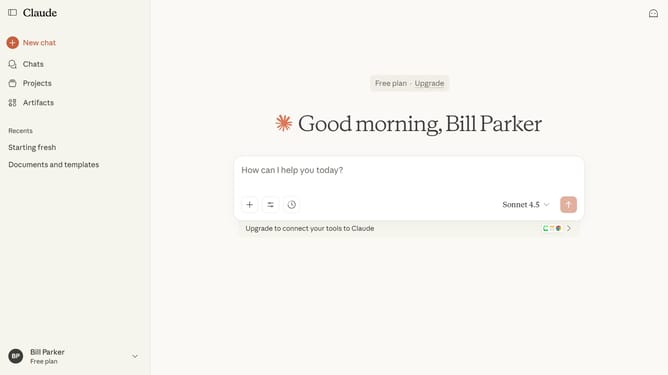
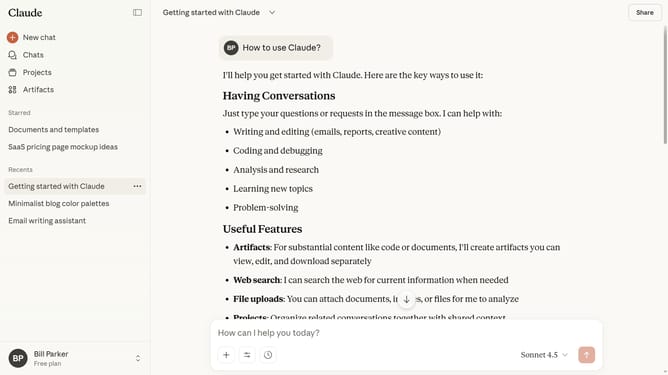
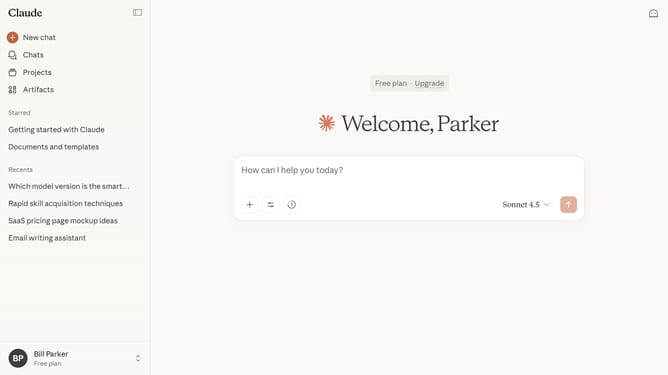
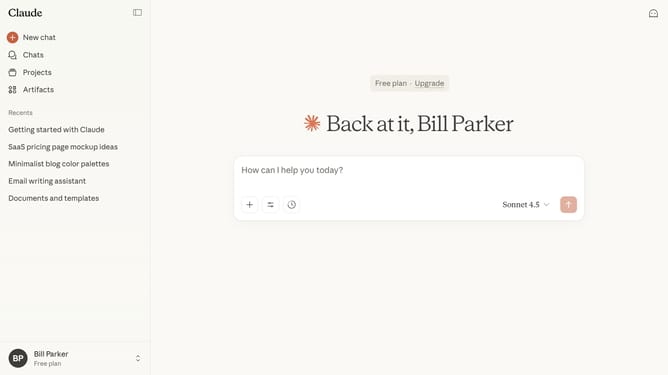
- First click on the "Chats" menu in the left sidebar to navigate to the chats view
- Find the chats you want to delete from the list
- Click the checkboxes next to each chat you want to delete
- Finally click on the "Delete" button in the confirmation dialog to permanently delete the selected chats
Why should you delete multiple chats in Claude.ai
Claude.ai is your intelligent assistant designed to streamline communication and enhance productivity.
The platform's feature that allows you to delete multiple chats at once significantly enhances user experience. This capability ensures your chat history remains organized and clutter-free.
By managing your chat records more efficiently, you save valuable time and maintain focus on important tasks. This feature supports a seamless, clean interface, making it easier to navigate and find relevant conversations.
Overall, this function promotes productivity and keeps your digital workspace tidy and efficient.
Last update