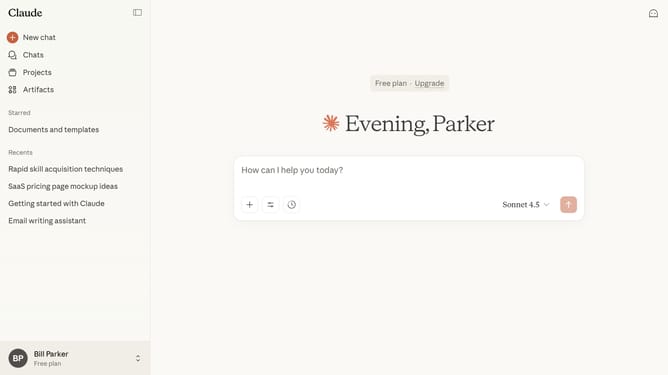
How to close the sidebar in Claude.ai
Here is how to close the sidebar in claude.ai
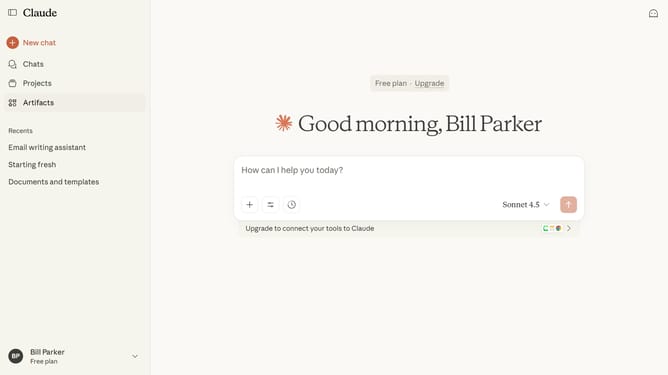
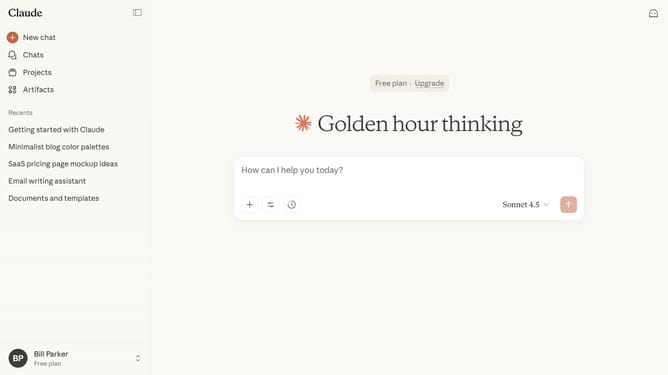
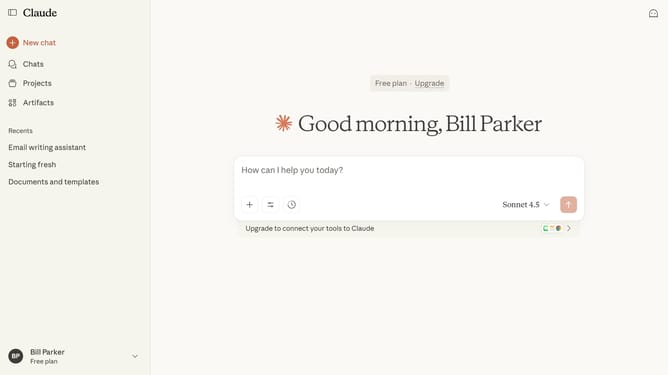
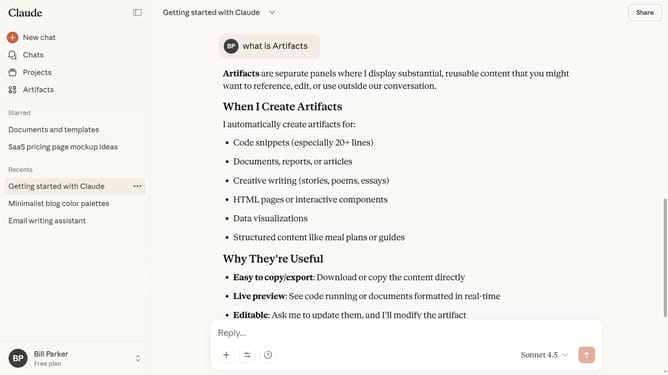
- First locate the sidebar icon in the top-left corner of the screen
- Then click on the sidebar icon to close the sidebar or press "Ctrl" + "." as a shortcut
- The sidebar is now collapsed, showing only icons in the left navigation panel
Why should you close the sidebar in Claude.ai
Claude.ai is an intuitive AI platform designed to streamline your workflow.
One of its practical features is the ability to close the sidebar effortlessly, allowing you to focus more intently on your tasks. This functionality is particularly beneficial when you need an uncluttered view, making it easier to absorb information and fine-tune your focus on the main content.
By closing the sidebar, users can enjoy a distraction-free environment, which can significantly enhance productivity and improve overall user experience. It’s perfect for those moments when every inch of your screen's real estate counts.
Last update