How to disable AI-powered artifacts in Claude.ai
Here is how to disable ai-powered artifacts in claude.ai
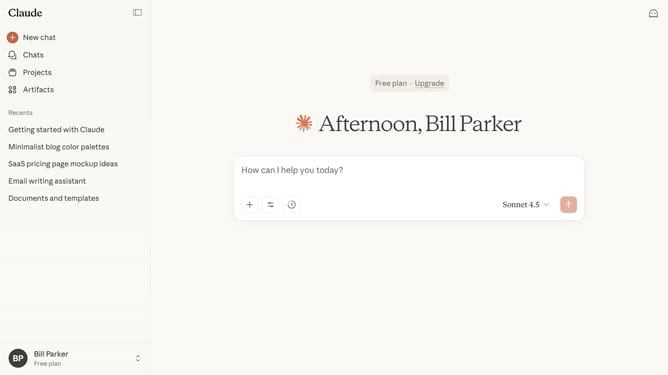
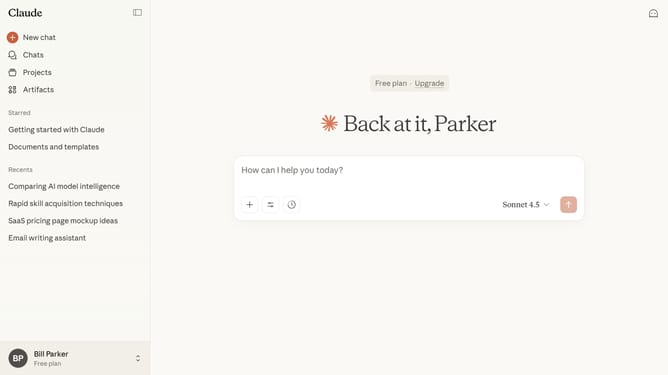
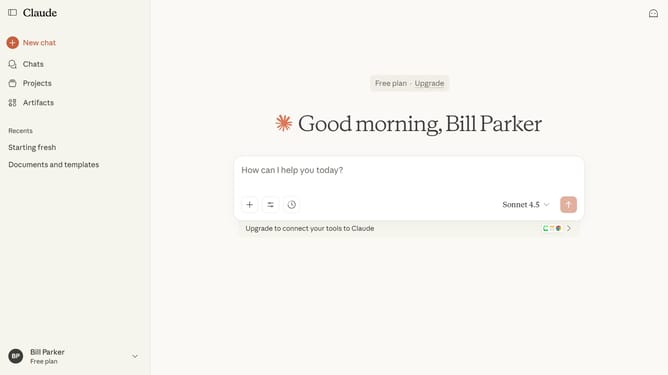
- First click on the user profile menu in the bottom left sidebar
- Next click on the "Settings" option in the user profile menu
- Click on the "Capabilities" option in the settings sidebar menu
- Then locate the "AI-powered artifacts" option in the Artifacts section
- Finally switch the toggle off to disable the feature
Why should you disable AI-powered artifacts in Claude.ai
Claude.ai is an innovative AI platform designed to seamlessly enhance digital interactions with intelligent insights.
By disabling AI-powered artifacts in Claude.ai, users can enjoy a more streamlined and intuitive interface without unnecessary complexities.
This feature allows for a cleaner, more focused experience, especially beneficial for those who prefer manual control and simplicity in their workflow.
Removing these artifacts not only simplifies use but also ensures that users maintain full control over their digital environment, enhancing overall productivity.
Last update