How to delete a chat from the sidebar in Claude.ai
Here is how to delete a chat from the sidebar in claude.ai
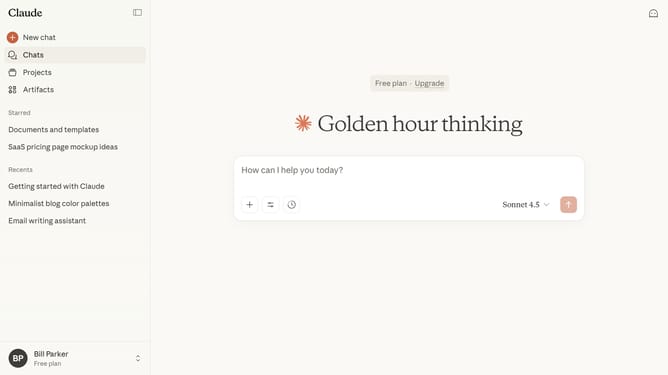
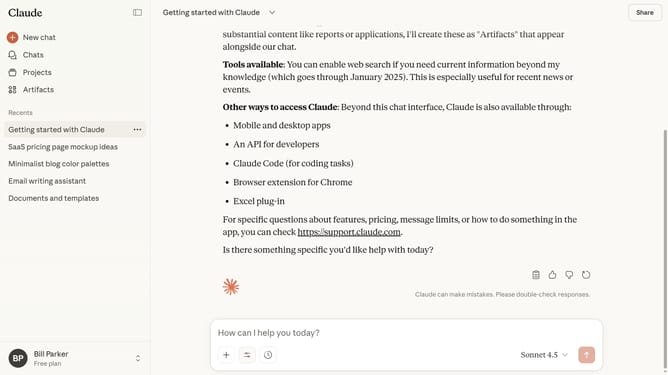
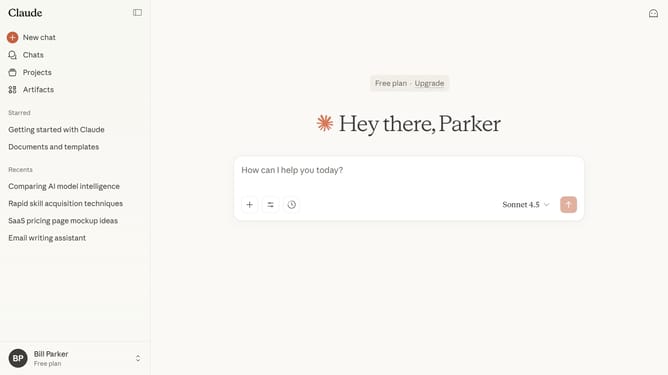
- First locate the chat you want to delete in the left sidebar
- Hover and click on the three-dot menu button next to the chat name
- Then click on the "Delete" option in the context menu that appears
- Finally click on the "Delete" button in the confirmation dialog to confirm deletion
Why should you delete a chat from the sidebar in Claude.ai
Claude.ai is a sophisticated conversational assistant designed to enhance productivity and streamline communication.
Managing your chat history is effortless with Claude.ai's intuitive sidebar feature. Deleting a chat can help keep your workspace organized and clutter-free, ensuring that you focus more on meaningful conversations and less on irrelevant past exchanges.
This feature not only improves accessibility but also ensures that your personal information remains secure by removing outdated or no longer needed content. Stay organized and maintain a seamless experience with Claude.ai.
Last update