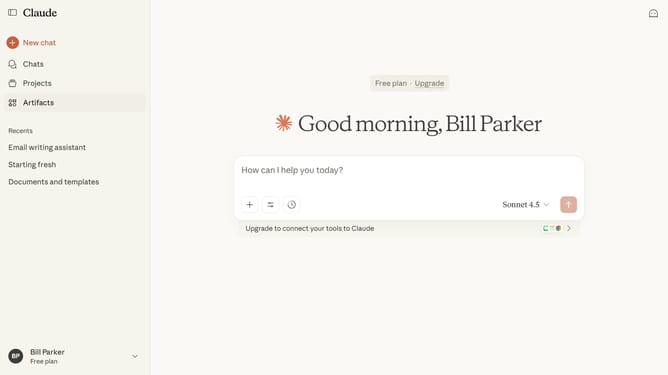
How to remove a chat from a project in Claude.ai
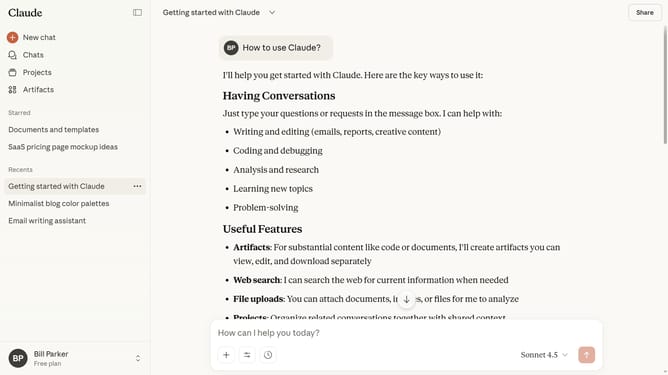
Here is how to remove a chat from a project in claude.ai
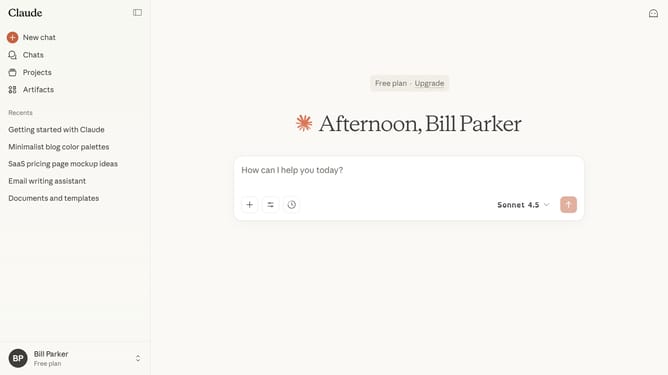
- First click on "Projects" in the left sidebar navigation menu
- Next click on the project that contains the chat you want to remove
- Then locate the chat in the project's chat list
- Hover over the chat and click on the three-dot menu icon next to it
- Finally click on "Remove from project" option in the dropdown menu
- The chat is now successfully removed from the project
Why should you remove a chat from a project in Claude.ai
Claude.ai is an intuitive AI platform designed to enhance workplace productivity through seamless communication and collaboration.
Easily managing chats within projects ensures streamlined workflows and organized interactions.
Removing a chat from a project in Claude.ai allows users to declutter workspaces, focusing on the most relevant discussions.
This feature benefits users by maintaining clarity and efficiency, enhancing the overall productivity of project teams.
Last update