How to edit a project in Claude.ai
Here is how to edit a project in claude.ai
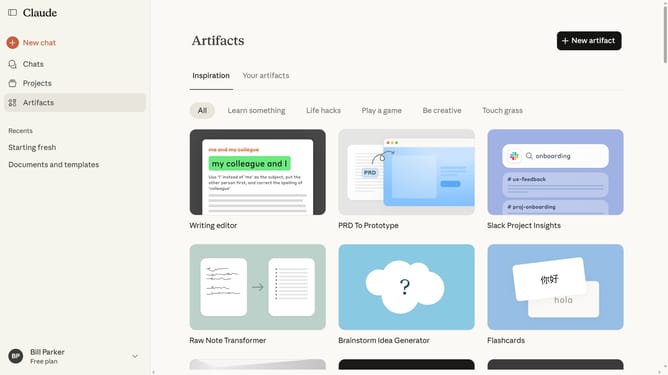
- First click on the "Projects" menu item in the left sidebar
- Click on the project you want to edit to open it
- Next click on the three-dot menu button in the project header
- Click on the "Edit details" option from the dropdown menu
- Then make your changes in the "Edit details" dialog (Name, description)
- Finally click on the "Save" button to save the changes
Why should you edit a project in Claude.ai
Claude.ai is an intuitive platform designed to streamline project management through innovative features.
Editing a project in Claude.ai allows for seamless adjustments, ensuring that your work remains dynamic and responsive to changing demands.
Using this feature enhances collaboration and improves project efficiency, providing users with the power to easily adapt and refine their workflows.
Say goodbye to rigid project structures and embrace a more flexible, tailored approach with Claude.ai.
Last update