How to star a chat in Claude.ai
Here is how to star a chat in claude.ai
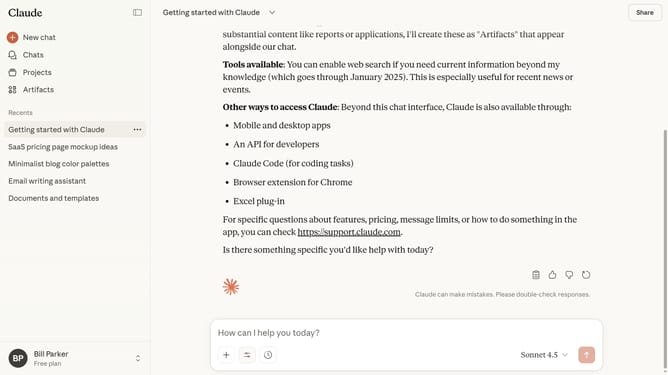
- First click on the chat you want to star
- Next click on the dropdown menu icon next to the chat title in the header
- Then click on the "Star" option in the dropdown menu
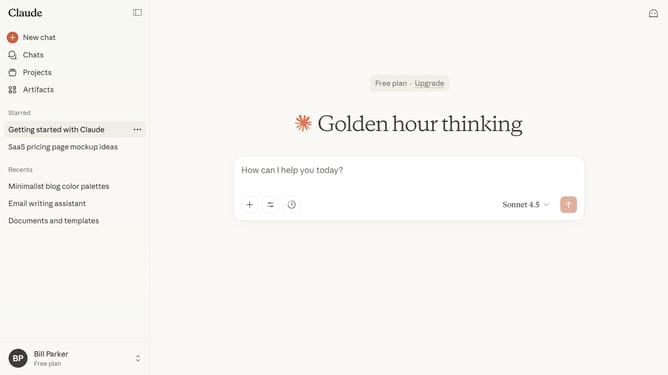
- The chat will now appear in your Starred section for quick access
Why should you star a chat in Claude.ai
Claude.ai is an intuitive platform designed to enhance your conversational experiences with advanced AI capabilities.
A standout feature is the ability to star a chat, helping you effortlessly mark important conversations for easy access later. This ensures that you can quickly fetch crucial dialogues without sifting through numerous threads.
By starring a chat, you streamline your workflow as it enhances organization and boosts productivity, ensuring that you'll never lose track of key interactions again.
Last update