How to delete multiple conversations at once in Claude.ai
Here is how to delete multiple conversations at once in claude.ai
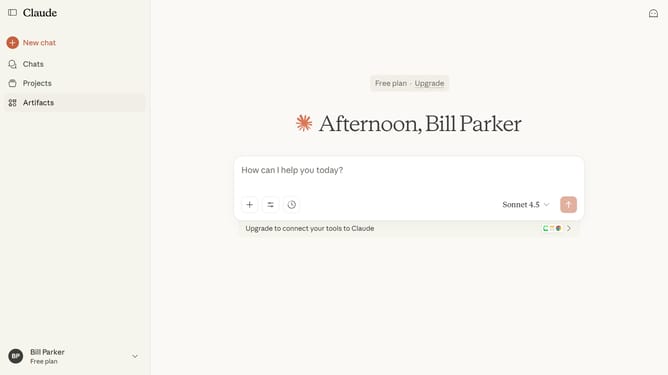
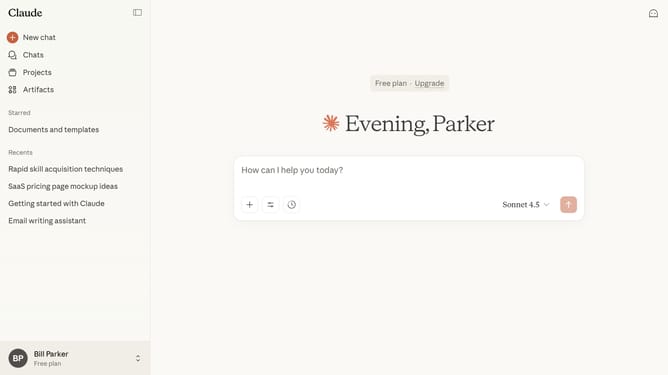
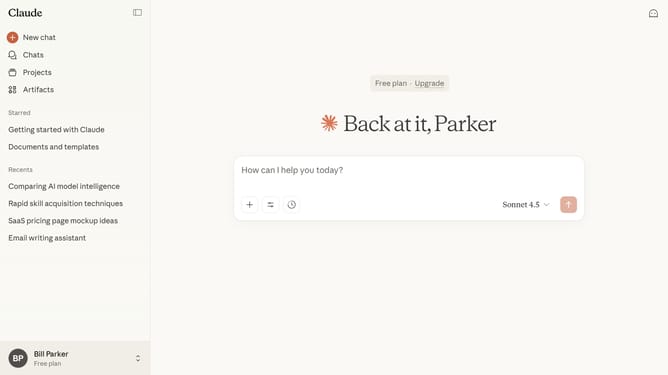
- First click on the "Chats" menu in the left sidebar to navigate to the chats view
- Find the chats you want to delete from the list
- Click the checkboxes next to each chat you want to delete
- Finally click on the "Delete" button in the confirmation dialog to permanently delete the selected chats
Why should you delete multiple conversations at once in Claude.ai
Claude.ai stands as a powerful tool for efficient conversation management in the digital age.
The ability to delete multiple conversations at once in Claude.ai streamlines your workflow by allowing you to maintain a clutter-free workspace effortlessly.
This feature is particularly beneficial for users who handle numerous interactions and wish to organize their communication efficiently.
By quickly clearing away unnecessary threads, users can focus more on important tasks, enhancing productivity and ensuring a tidy chat history, all in a few simple steps.
Last update