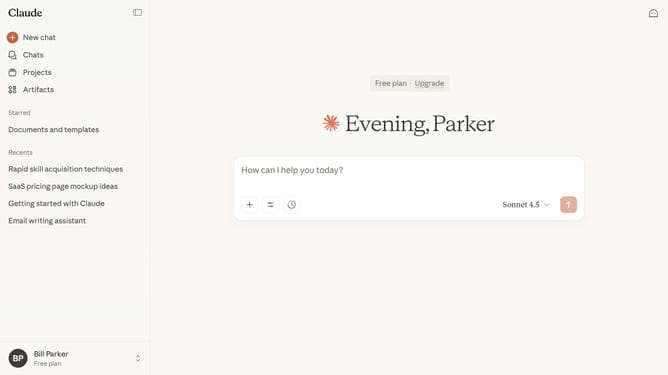
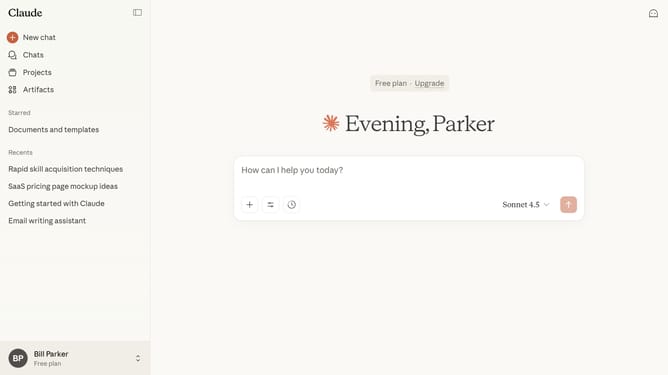
How to change the language of your account in Claude.ai
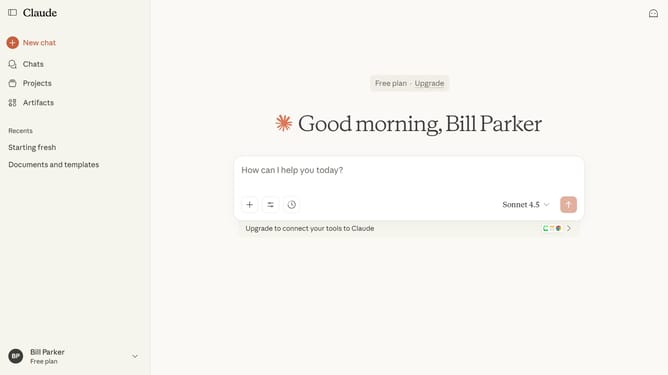
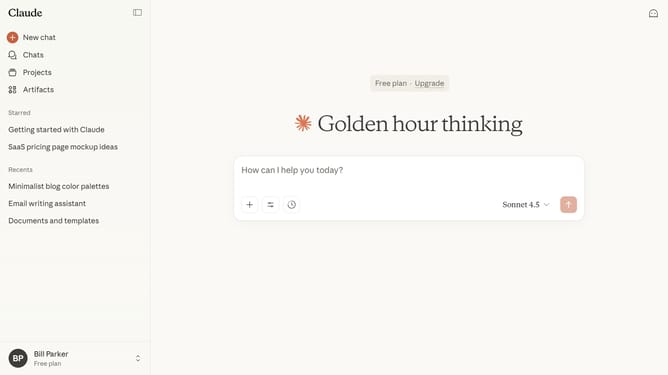
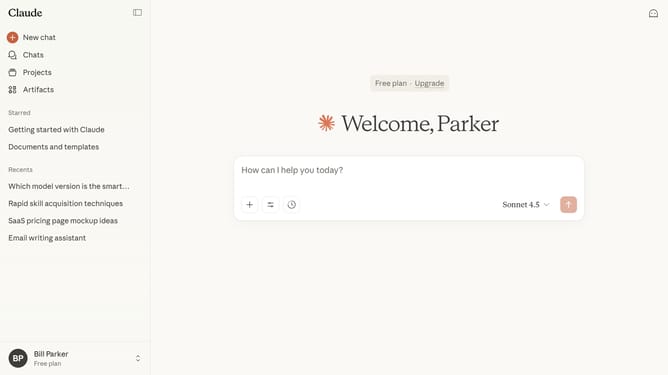
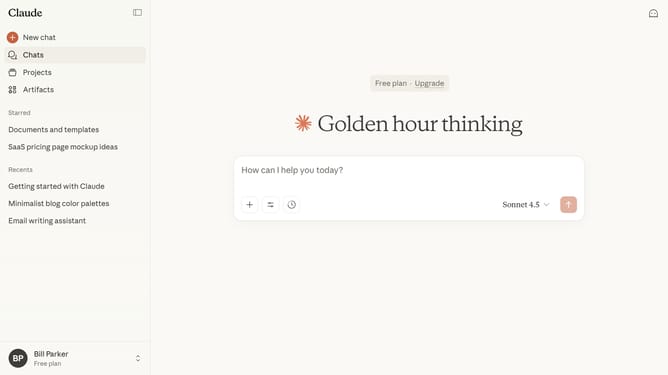
Here is how to change the language of your account in claude.ai
- First click on your profile at the bottom of the sidebar to open account settings
- Next click on the "Language" option in the account menu
- Then select your preferred language from the dropdown menu
- The interface will automatically update to reflect the selected language
Why should you change the language of your account in Claude.ai
Claude.ai offers advanced AI solutions tailored for enhancing communication efficiency.
One standout feature of Claude.ai is the ability to change the language of your account effortlessly. This functionality empowers users around the world to operate in their preferred language, enhancing comfort and understanding.
Switching languages not only personalizes your experience but also facilitates smoother interactions, making it a convenient tool for global users seeking improved accessibility.
Last update