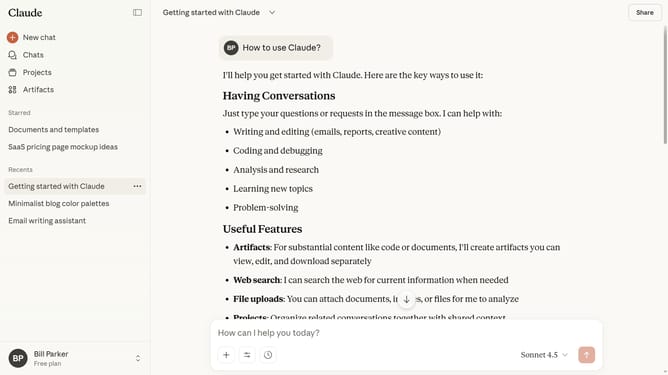
How to archive a project from the projects page in Claude.ai
Here is how to archive a project from the projects page in claude.ai
- First click on "Projects" in the left sidebar navigation menu
- Locate the project you want to archive on the projects page
- Next hover over it and click on the three-dot menu icon in the top right corner
- Then select the "Archive" option from the dropdown menu
- Finally click on the "Archive" button in the confirmation dialog to confirm archiving the project
Why should you archive a project from the projects page in Claude.ai
Claude.ai is a cutting-edge platform designed to streamline your project management experience.
One of its standout features is the ability to archive a project directly from the projects page.
This functionality allows you to keep your dashboard organized by moving completed or paused projects out of your active list.
Archiving enhances focus on current tasks, reduces clutter, and ensures that your workspace remains efficient and manageable.
Last update