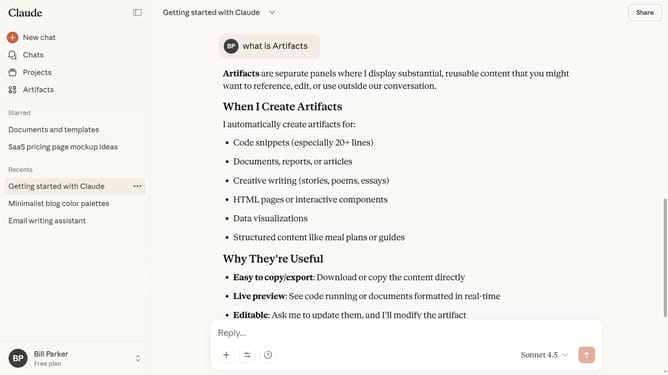
How to star a project from the projects page in Claude.ai
Here is how to star a project from the projects page in claude.ai
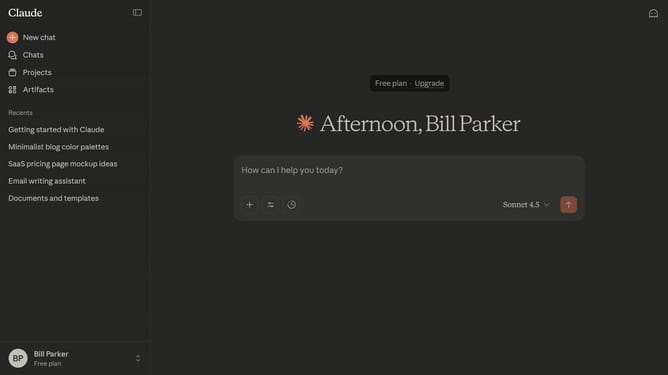
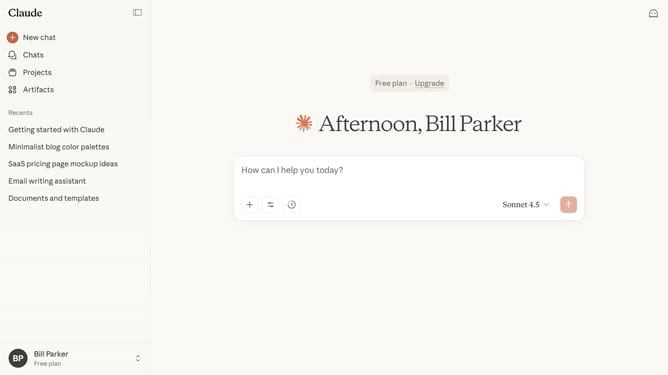
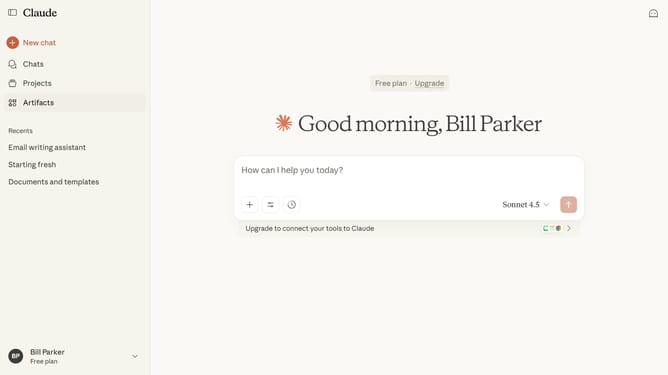
- First click on the "Projects" item in the left sidebar navigation menu
- Next locate the project you want to star on the "Projects" page
- Hover over it and click on the three-dot menu icon in the top right corner
- Then click on the "Star" option in the dropdown menu that appears
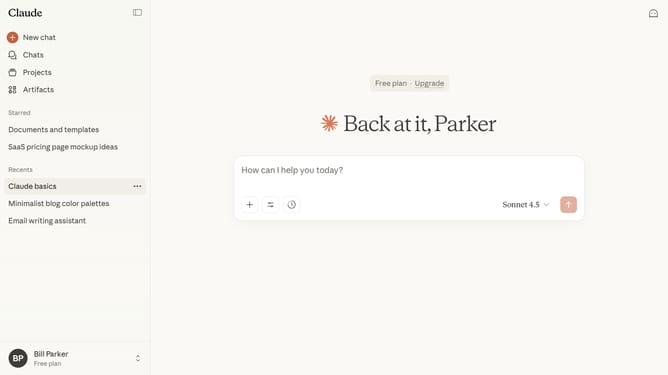
- The project will now appear in your starred section for quick access
Why should you star a project from the projects page in Claude.ai
Claude is an intelligent AI platform designed to streamline project management and enhance team collaboration.
One standout feature on Claude.ai is the ability to star a project directly from the projects page.
This function allows users to prioritize important projects, ensuring they remain easily accessible and top of mind.
By starring a project, you enhance workflow efficiency, making it simpler to focus on high-priority tasks and achieve your goals faster.
Last update