How to open the sidebar in Claude.ai
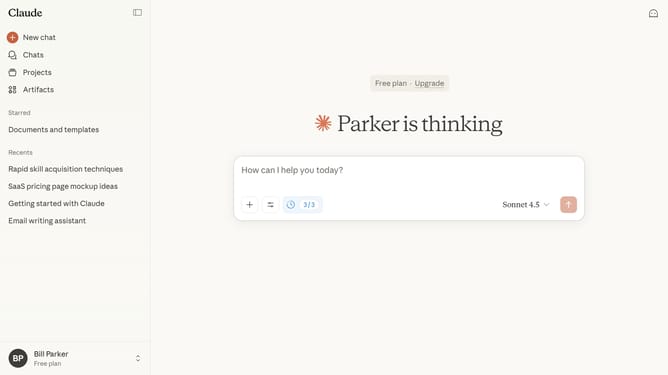
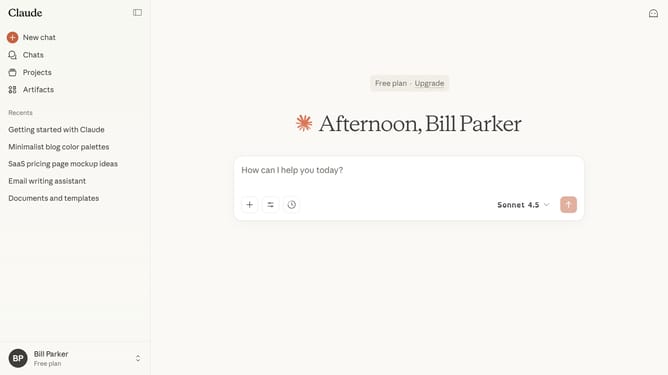
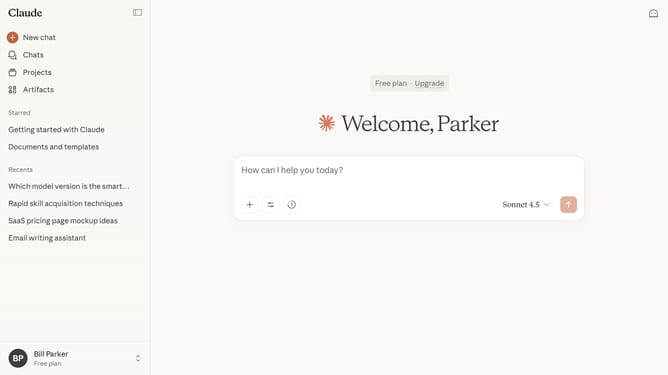
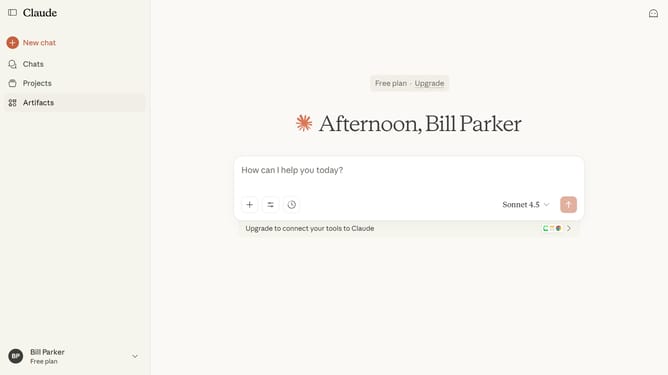
Here is how to open the sidebar in claude.ai
- First locate the sidebar icon in the top-left corner of the interface
- Then click on it to open the sidebar or press "Ctrl" + " ." as a shortcut
- The sidebar will now appear, giving you access to chats, projects, and other features
Why should you open the sidebar in Claude.ai
Claude.ai is a cutting-edge platform designed to streamline your digital workflow with efficiency and ease.
Opening the sidebar in Claude.ai is a feature that enhances navigation and enriches user interaction. By accessing the sidebar, users gain a quick overview of tools and options, thus boosting productivity and focus.
The sidebar acts as a central hub for features, facilitating easy access to preferred functions and saving valuable time. Embrace this feature to experience a more organized and efficient digital workspace.
Last update