How to see a live preview of a published artifact in Claude.ai
Here is how to see a live preview of a published artifact in claude.ai
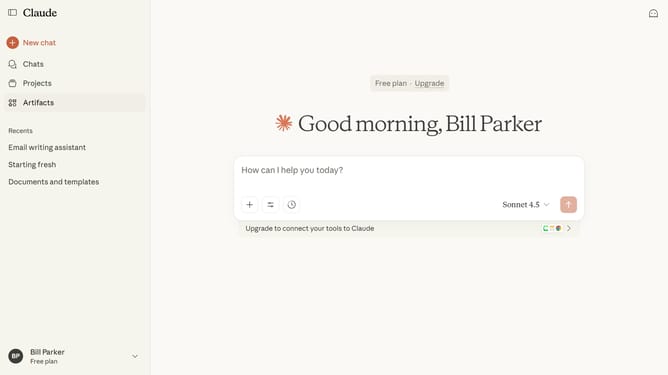
- First click on the "Artifacts" menu item in the left sidebar
- Next click on the "Your artifacts" tab in the main content area
- Click on the published Artifact you want to preview
- Then click on the "Published" button in the top right header area
- Finally click on the published artifact URL link in the modal dialog
- Claude will display a live rendering of the Artifact so you can see how it looks and functions
Why should you see a live preview of a published artifact in Claude.ai
Claude.ai is an innovative platform that optimizes content management and collaboration.
Live previews in Claude.ai allow users to instantly visualize how their published artifacts will appear to the audience. This real-time feature gives creators the advantage of making immediate adjustments, ensuring content is always perfect before it goes live.
By utilizing this feature, creators can enhance their workflow efficiency, reducing back-and-forth revisions and fostering a seamless publishing process.
Last update