How to update your work role in your Claude.ai profile
Here is how to update your work role in your claude.ai profile
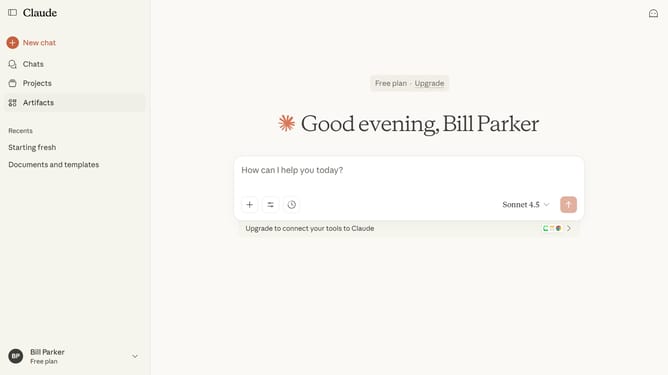
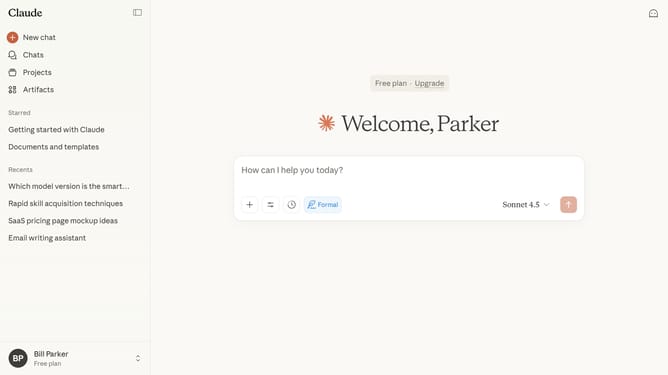
- First click on the user profile section in the bottom left sidebar to open the account menu
- Next click on the "Settings" option in the expanded account menu
- Click on the "General" tab in the settings navigation menu
- Click on the "Select your work function" dropdown field in the Profile section
- Then select the role that fits you best from the dropdown menu
- Finally click on the "Save changes" button to confirm the settings update
Why should you update your work role in your Claude.ai profile
Claude.ai is an innovative platform designed to enhance productivity and collaboration through AI-driven solutions.
Keeping your work role up-to-date in your Claude.ai profile is crucial for precise networking and optimized recommendations.
Updating your role helps align your professional identity with your evolving career path, ensuring relevant opportunities and connections.
This feature supports a personalized experience, empowering you to adapt your professional journey seamlessly within the platform.
Last update