How to hide a preset style in Claude.ai
Here is how to hide a preset style in claude.ai
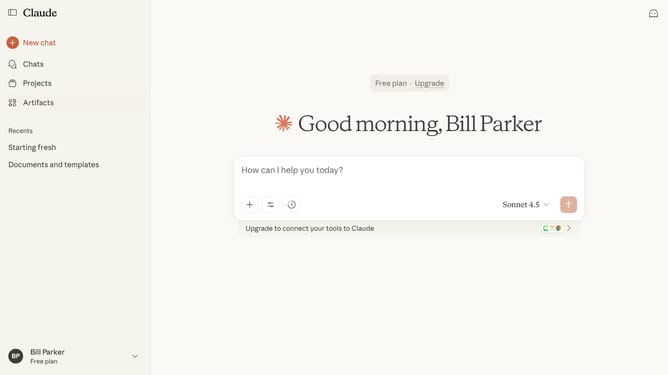
- First start a new chat or open an existing chat
- Next click on the "Search and tools" button below the input field
- Click on "Use style" option in the dropdown menu that appears
- Click on "Create & edit styles" button at the bottom of the style selection menu
- In the customize styles dialog, click on the preset style you want to hide
- Then click on the "Options" dropdown button in the top right of the style preview dialog
- Finally click on "Hide preset style" option in the dropdown menu
Why should you hide a preset style in Claude.ai
Claude.ai is an innovative platform designed to enhance digital content creation through intuitive AI solutions.
The ability to hide preset styles in Claude.ai allows users to streamline their workflow and maintain focus on their unique design vision. This feature offers significant flexibility by minimizing distractions and avoiding visual clutter within the user interface.
By hiding unused styles, users can efficiently organize their tools, enhancing productivity and fostering a cleaner creative space. This ensures only relevant styles are in play, simplifying the design process and boosting creative freedom.
Last update