How to use Math & TeX in your content in Gitbook
Here is how to use math & tex in your content in gitbook
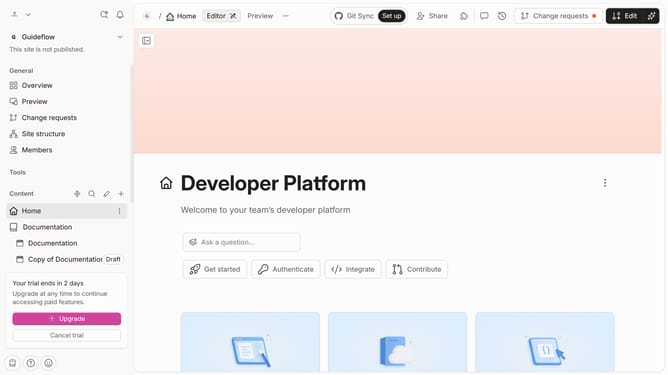
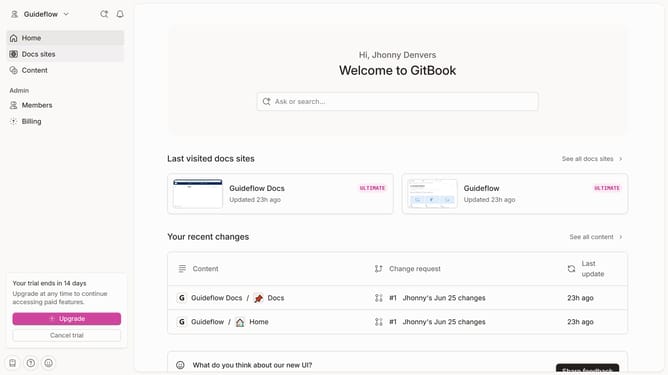
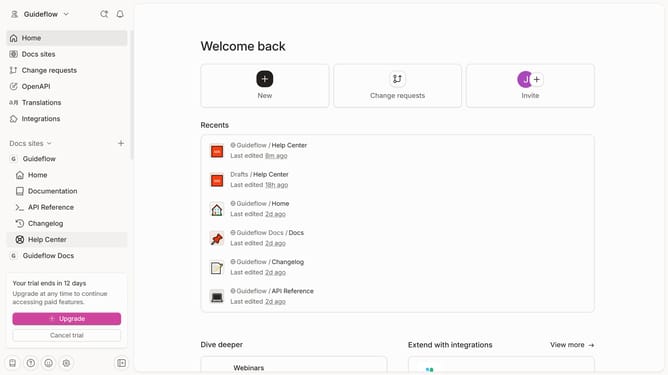
- First click the site card you want to edit in the main content area
- Then click on the "Start editing content" button in the site overview section
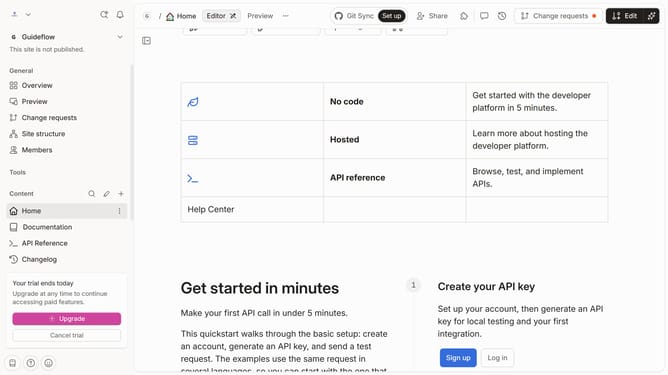
- Next click on the content area and type "/" to open the Inline palette
- Next click on the "Math & TeX" option in the formatting dropdown menu
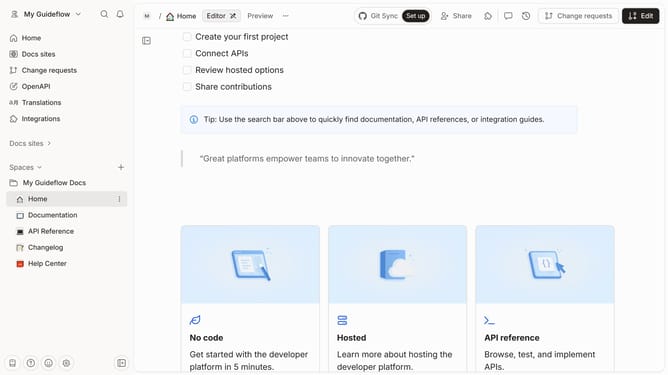
- Then click the content to edit your formula
- We use the KaTeX library to render formulas
Why should you use Math & TeX in your content in Gitbook
GitBook is a powerful platform designed for easily creating and sharing documentation.
Incorporating Math & TeX in your GitBook content allows you to present complex mathematical expressions seamlessly, elevating your document's credibility.
Using Math & TeX not only enhances the clarity of your scientific or academic communication but also appeals to a wide audience by ensuring the content is precise and professional.
This feature enriches your documentation, making it an invaluable tool for educators, students, and technical writers alike.
Last update