How to add heading 3 in homepage tab in Gitbook
Here is how to add heading 3 in homepage tab in gitbook
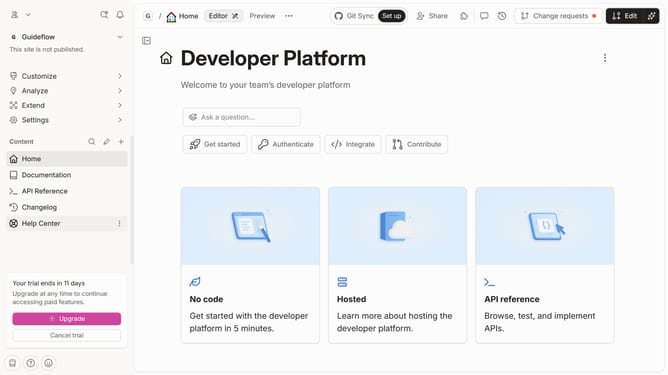
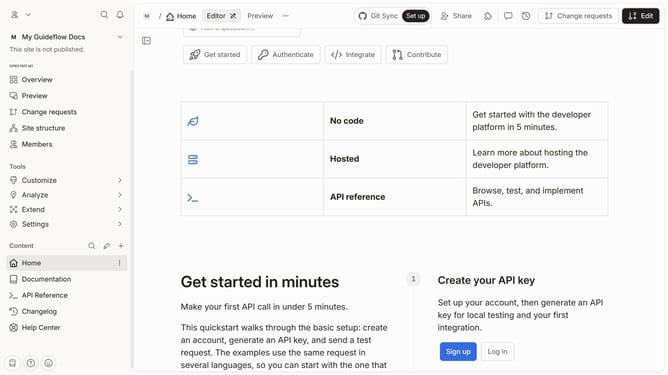
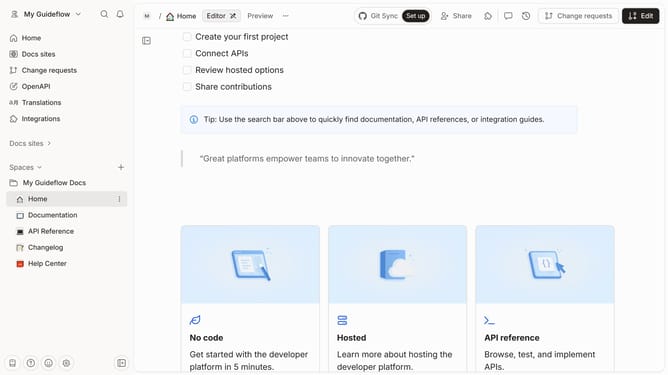
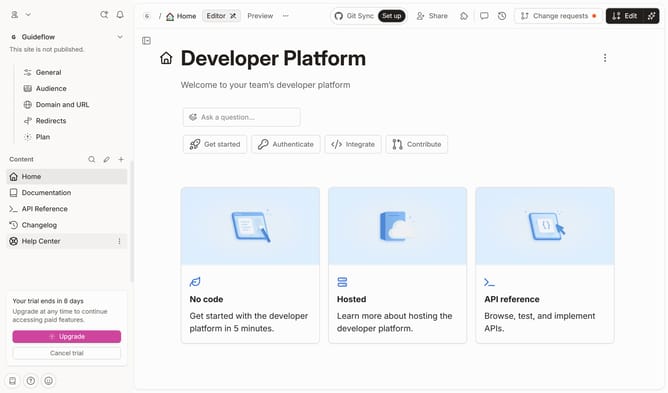
- First, click on "Home" in the sidebar under "My Guideflow Docs"
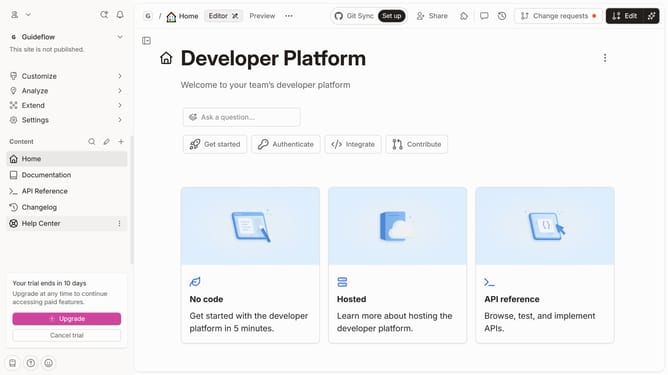
- Then click on the "Edit" button in the top right corner of the header
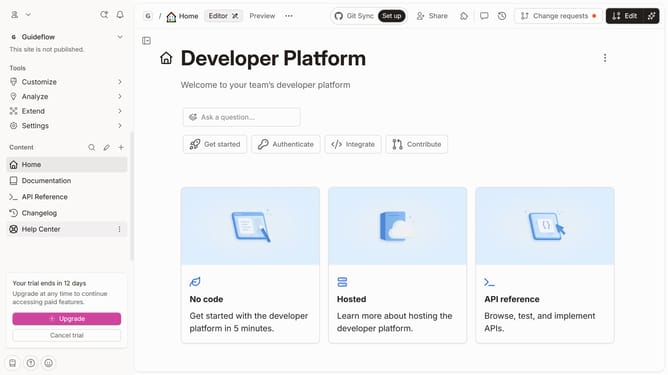
- Next, click on the "Click for block options" icon
- Then, select "Heading 3" from the block options in the sidebar
- Then click on the "Heading 3" text input field and enter your text
- Finally, click on the "Merge" button in the top right corner of the header
Why should you add heading 3 in homepage tab in Gitbook
Gitbook is a collaborative platform designed to empower efficient documentation development with ease.
By adding a heading 3 in the homepage tab of Gitbook, users can structure their content more effectively, ensuring clarity and organization.
This feature enhances readability by allowing users to break down information into manageable parts, making complex topics simpler to navigate.
Utilizing these headings not only improves the visual appeal but also aids in the seamless flow of information, benefitting both creators and readers alike.
Last update