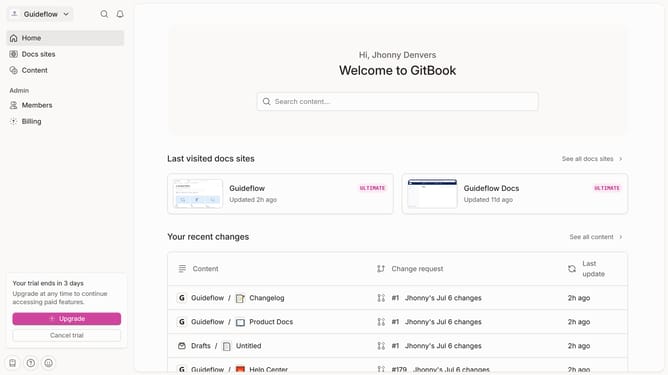
How to upload file in a help center category in Gitbook
Here is how to upload file in a help center category in gitbook
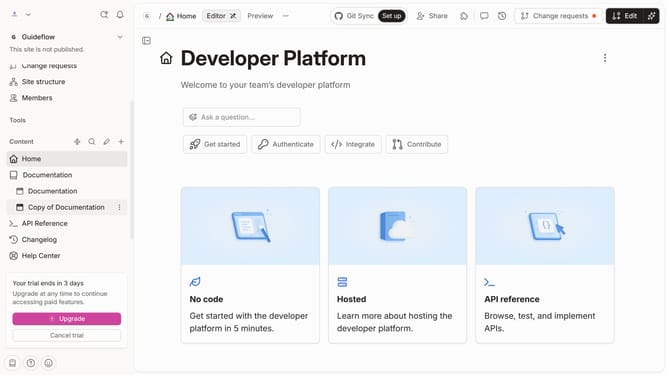
- First click on "Help Center" item in the left sidebar
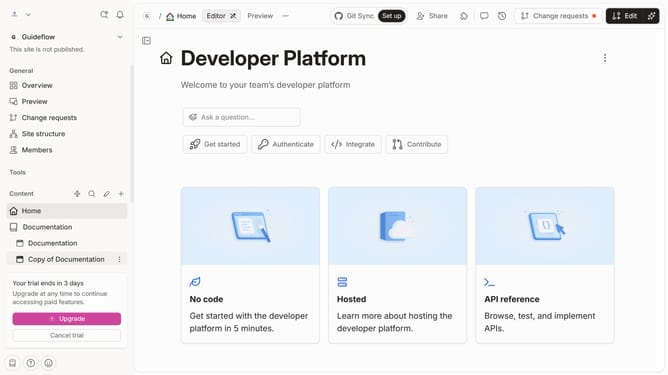
- Then click on the "Edit" button in the top menu
- Next, click on the "Upload file" button in the help center category
- Then click on the "Drop your files or browse" area in the "Select file" dialog
- Finally click on the "Merge" button in the top menu
Why should you upload file in a help center category in Gitbook
GitBook is a powerful platform that transforms documentation workflows into seamless, collaborative experiences.
The ability to upload files directly into a help center category on GitBook enhances how teams share detailed information with users. This feature allows for direct integration of essential documents, offering more comprehensive support and empowering users with additional resources.
By enabling straightforward file uploads, GitBook facilitates rich, multifaceted guidance and improves the overall user experience, ensuring that vital information is always accessible.
Last update