How to detach reusable content from a page in Gitbook
Here is how to detach reusable content from a page in gitbook
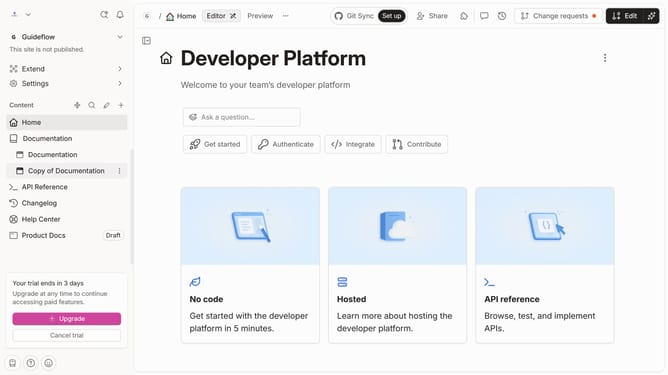
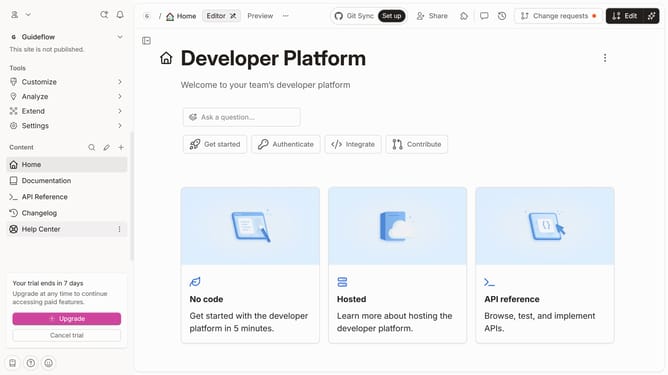
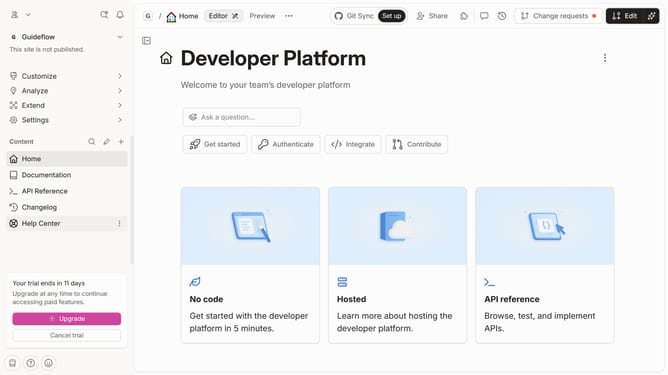
- First click on the "Start editing content" button in the main content area
- Then click on the "Edit" button in the top toolbar
- In the content editor, open the "Actions" menu next to the content you’d like to detach
- Select "Detach" from the context menu that appears
- Finally click on the "Merge" button in the top toolbar
Why should you detach reusable content from a page in Gitbook
GitBook is a versatile platform crafted to simplify documentation creation and collaboration.
Detaching reusable content from a page in GitBook empowers users to keep documents organized and maintain consistency across various sections.
This functionality allows for edits to be made to detached content separately, ensuring that changes can reflect universally where needed without altering the original content.
It enhances flexibility and efficiency, making project management seamless and content updates hassle-free.
Last update