How to add a Heading 3 in a tab in help center in Gitbook
Here is how to add a heading 3 in a tab in help center in gitbook
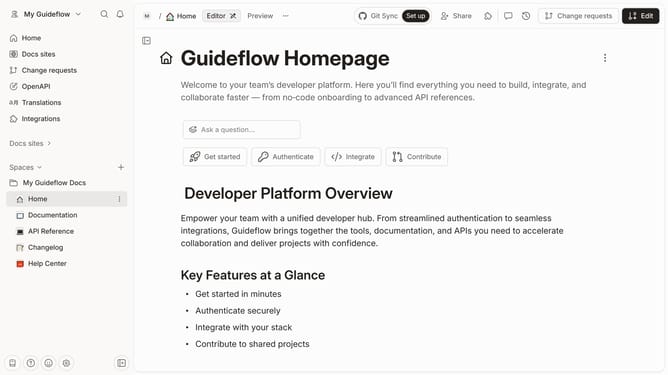
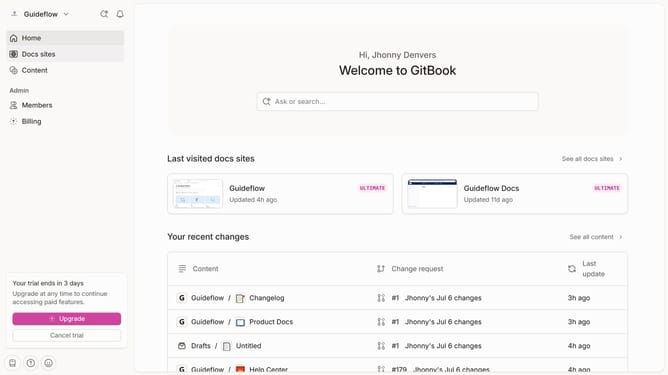
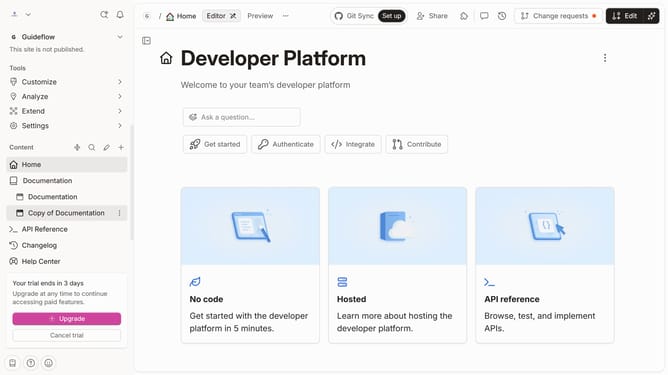
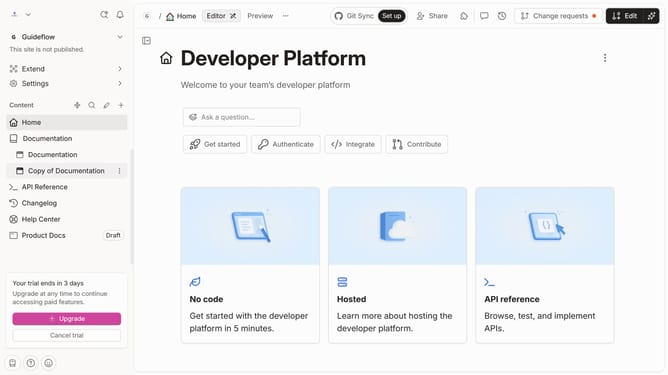
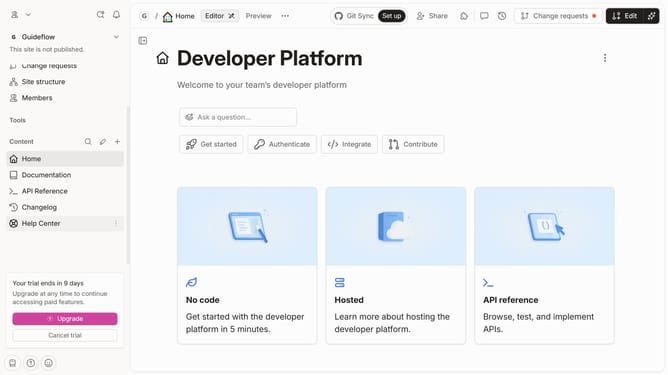
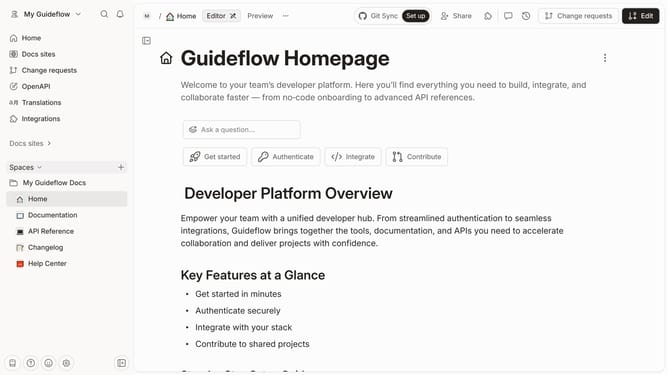
- First click on "Help Center" item in the left sidebar
- Then click on the "Edit" button in the top header
- Then click on the "Click for block options" icon
- Then select "Heading 3" from the dropdown menu in the left sidebar
- Then click on the "Heading 3" element on the page and enter your text
- Finally click on the "Merge" button in the top header
Why should you add a Heading 3 in a tab in help center in Gitbook
Gitbook is an intuitive platform designed to simplify documentation creation and collaboration for teams.
Adding a Heading 3 in a tab within Gitbook's help center enhances the organization of your content, making it more accessible and engaging for readers. It provides a clear hierarchy, allowing users to quickly locate the information they need.
This structuring is especially beneficial for extensive documentation, as it breaks down complex information into digestible sections, improving overall understanding and retention.
Last update