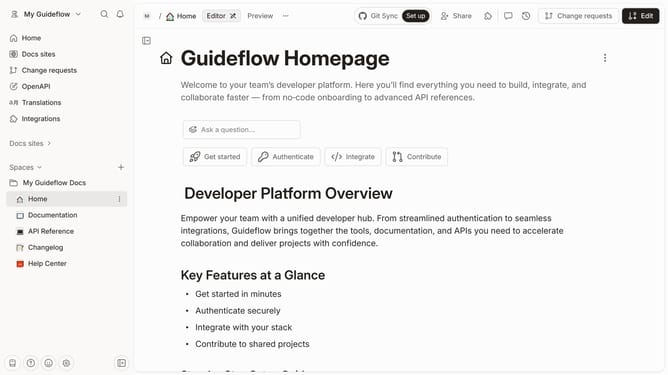
How to add new content in a docs site in Gitbook
Here is how to add new content in a docs site in gitbook
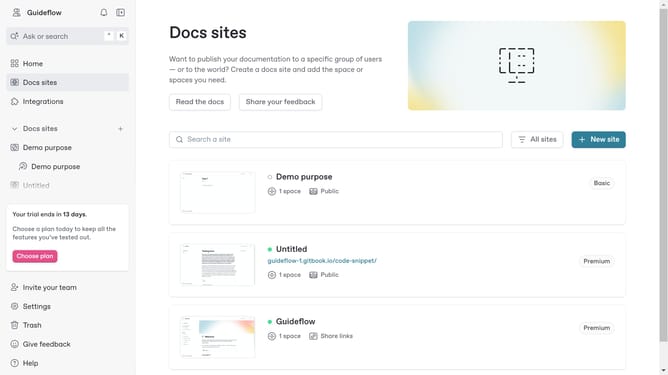
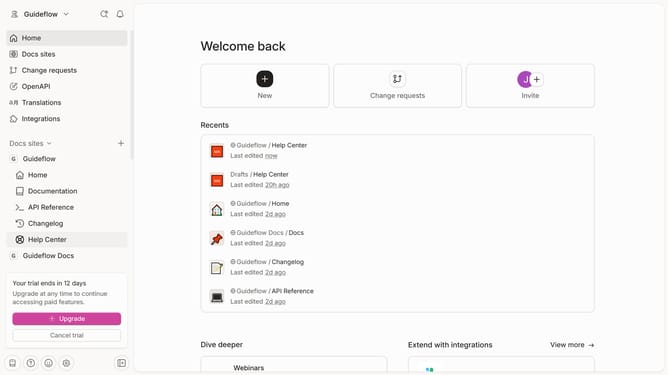
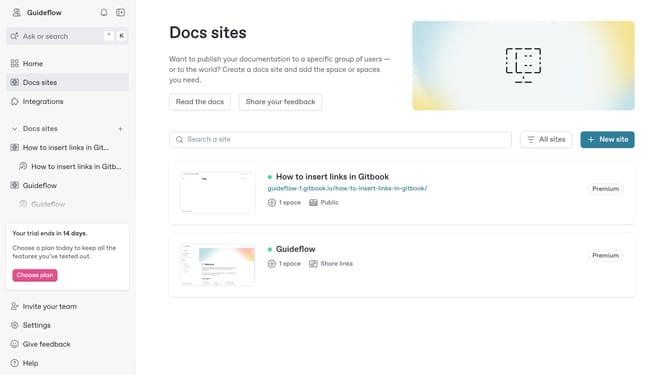
- First click on "Docs sites" in the left sidebar
- Then click on the doc site that you want to manage
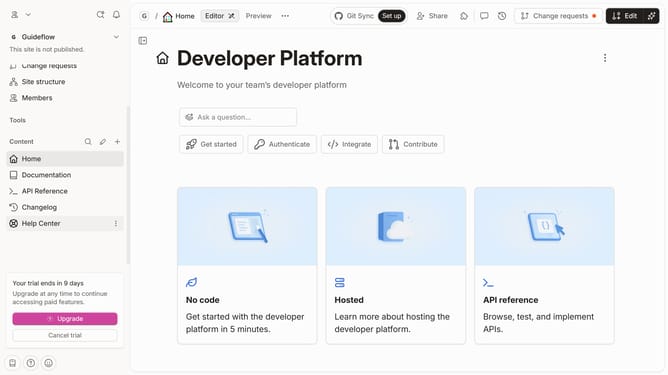
- Click on the "Add content" button in the left sidebar
- Then click on the "Section" option to add a new section.
- Next, click on the "Start with blank" button to create a new blank section
- Finally, click on the "Add section" button to confirm the creation
Why should you add new content in a docs site in Gitbook
GitBook is an intuitive platform designed to simplify the creation and management of documentation.
Adding new content to a docs site in GitBook is seamless and efficient, enabling users to keep their documentation fresh and up-to-date without hassle.
This feature allows teams to rapidly incorporate new information, fostering a living document environment that quickly adapts to evolving needs.
By streamlining content updates, GitBook enhances collaboration, ensures accuracy, and empowers users to focus more on crafting quality content.
Last update