How to delete a help center category in Gitbook
Here is how to delete a help center category in gitbook
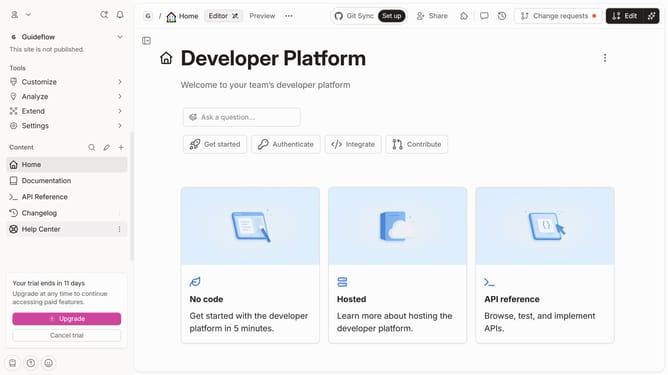
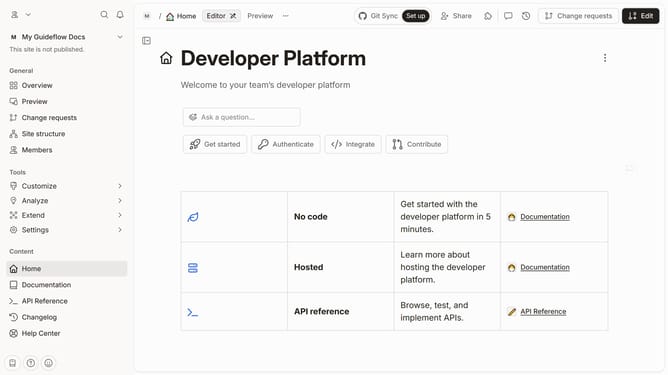
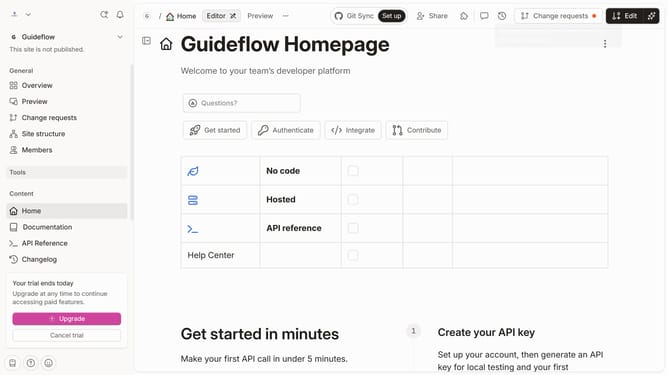
- First, click on the "Help Center" item in the left sidebar
- Then, click on the "Edit" button in the top menu
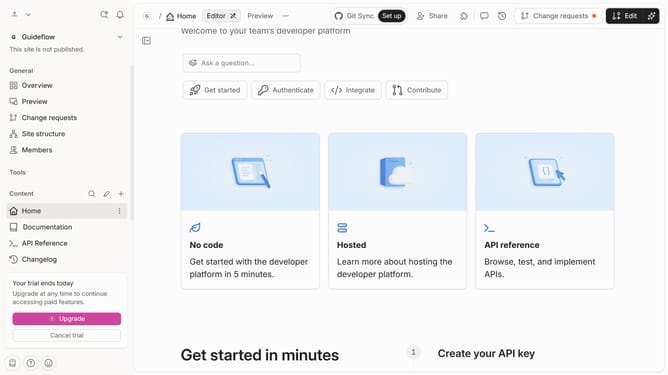
- Next, click on the pencil icon to "Edit card"
- After that, click on the "Delete card" button
- Finally, click on the "Merge" button in the top menu
Why should you delete a help center category in Gitbook
GitBook is a powerful platform designed to facilitate seamless documentation and collaboration.
The feature to delete a help center category in GitBook offers users a straightforward way to manage their support content efficiently. This ability ensures that your help center remains organized and up-to-date, removing outdated or irrelevant categories easily.
Utilizing this feature enhances your help center's usability, making information retrieval quicker for users while maintaining a clean and focused structure for your documentation.
Last update