How to delete or unpublish a docs site in Gitbook
Here is how to delete or unpublish a docs site in gitbook
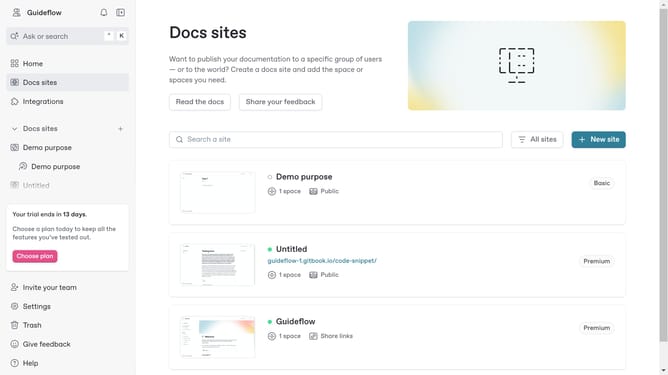
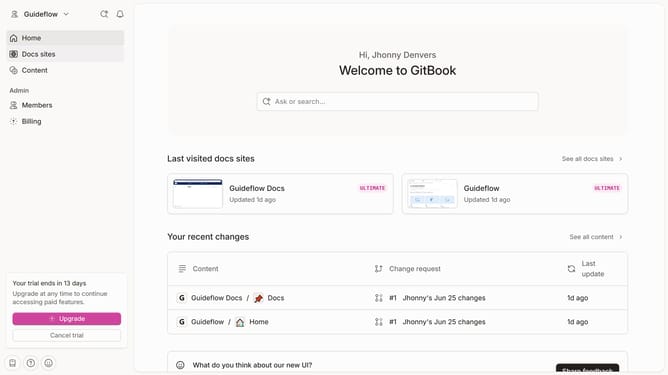
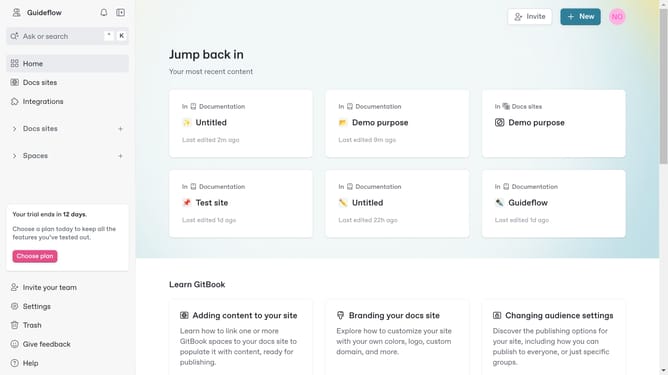
- Choose a doc site you want to delete/unpublish
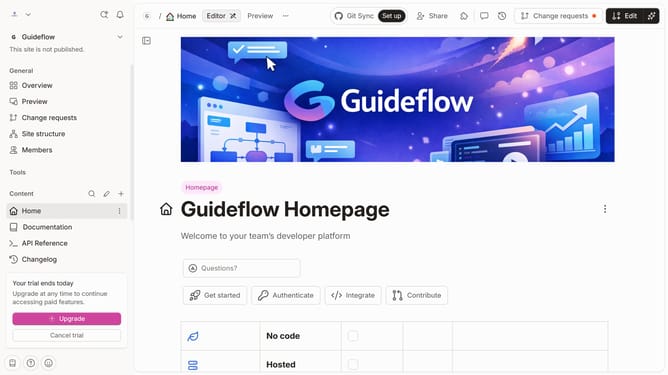
- At the top right of the site overview page, click the "Manage site" button
- Scroll down in the generals tab to find the option to either "Delete" or "Unpublish" your site
Why should you delete or unpublish a docs site in Gitbook
GitBook is an intuitive platform designed for creating and sharing beautiful documentation easily.
The ability to delete or unpublish a docs site in GitBook is a straightforward process that provides flexibility in managing your content.
This feature allows users to swiftly remove outdated or irrelevant documentation, ensuring that only the most accurate and useful information is available to audiences.
By maintaining up-to-date content, teams can improve the credibility and reliability of their docs, enhancing the user experience.
Last update