How to organize your content with page groups in Gitbook
Here is how to organize your content with page groups in gitbook
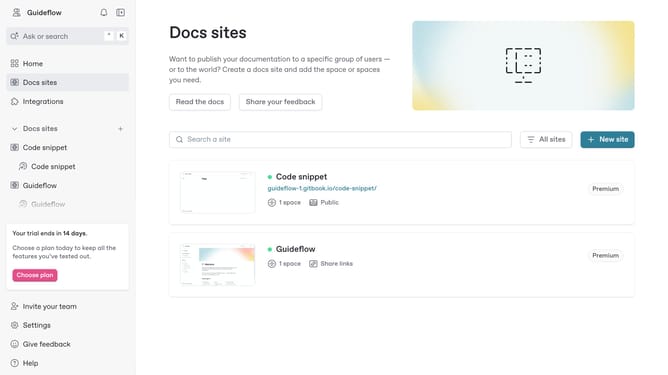
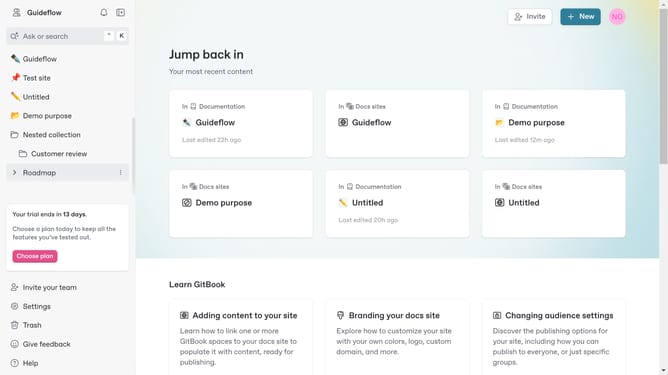
- In the main content area, click on the site card you want to use
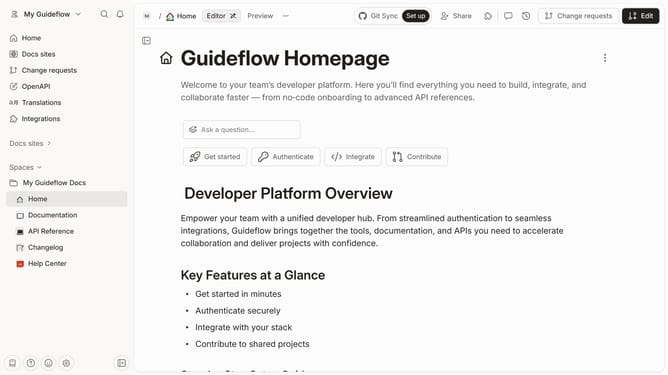
- On the site overview page, click the "Start editing content" button
- In the content editor, click the "Add new..." button in the left sidebar
- From the dropdown menu, select the "Group" option
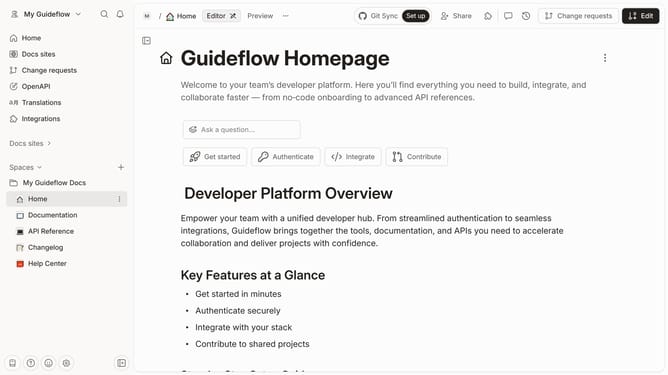
- Click the "more options" menu (three dots) next to GROUP1
- Here you will find different options to edit your newly created group
Why should you organize your content with page groups in Gitbook
GitBook is a collaborative documentation platform that empowers teams to write, share, and manage content efficiently.
Organizing your content with page groups in GitBook streamlines how information is presented and accessed. This feature allows you to categorize related topics, making it simpler for users to navigate complex documents.
Utilizing page groups ensures that your documentation stays structured and coherent, enhancing the user experience by presenting information in logically ordered segments.
With page groups, teams can maintain a clear hierarchy, fostering a collaborative environment where everyone can contribute to structured and intuitive documentation.
Last update