How to add organization logo in Gitbook
Here is how to add organization logo in gitbook
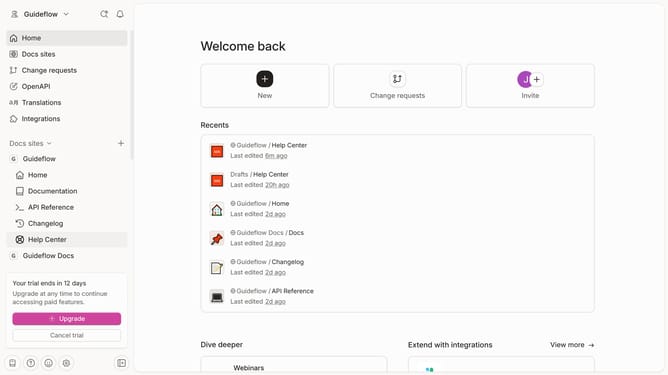
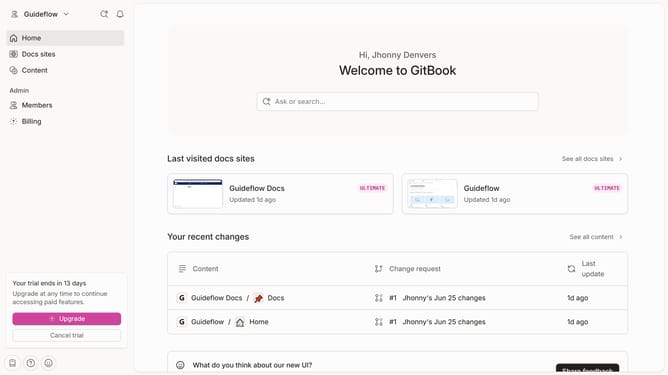
- First click on the dropdown icon in the top header
- Then click on "Settings" in the profile menu
- Finally click on the "Upload a new logo" button and upload your preferred image
Why should you add organization logo in Gitbook
GitBook is a powerful platform designed to help teams effortlessly communicate their knowledge and documentation.
One of its remarkable features is the ability to add your organization's logo.
This enhances brand recognition and personalizes your documentation, making it more relatable to your audience.
By integrating your logo, you reinforce brand identity and create a professional appearance, which can build trust with users and stakeholders alike.
Last update