How to set font style in docs site in Gitbook
Here is how to set font style in docs site in gitbook
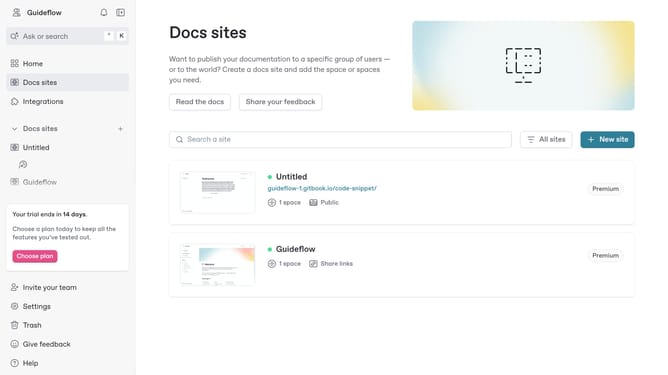
- First click on "Docs sites" in the left sidebar
- Then click on the doc site title that you want to manage
- Next click on "Customize" in the left sidebar
- Then click on "Theme" in the left sidebar
- Click on the "Font" dropdown under "Site styles"
- Then select a font from the font options
- Finally click on the "Save" button
Why should you set font style in docs site in Gitbook
GitBook is a versatile platform designed to streamline the creation and sharing of documentation.
Customizing the font style on your GitBook documentation site enhances readability and improves the user experience. By tailoring fonts to match your brand identity or the preferences of your audience, you ensure that your content stands out and communicates effectively.
Setting the right font not only elevates the aesthetics of your documentation but also aids in delivering a consistent and professional look, making complex information easier to digest for your audience.
Last update