How to disable mode toggle in docs site in GitBook
Here is how to disable mode toggle in docs site in gitbook
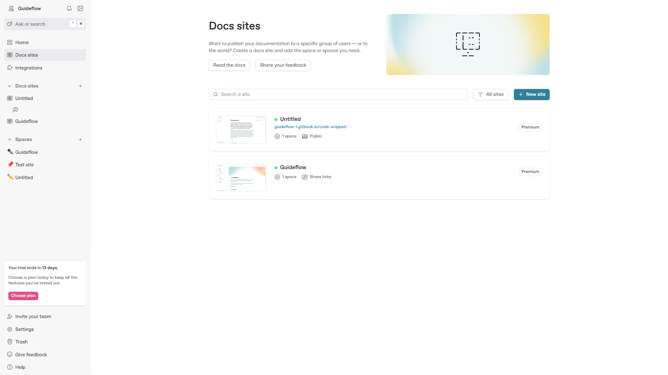
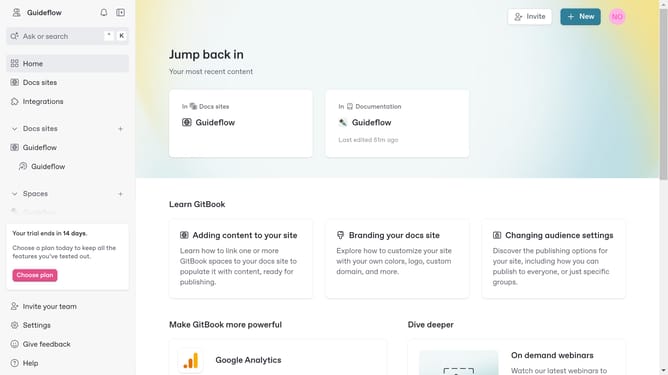
- First, in the left sidebar, click on "Docs sites"
- Then click on the doc site title that you want to manage
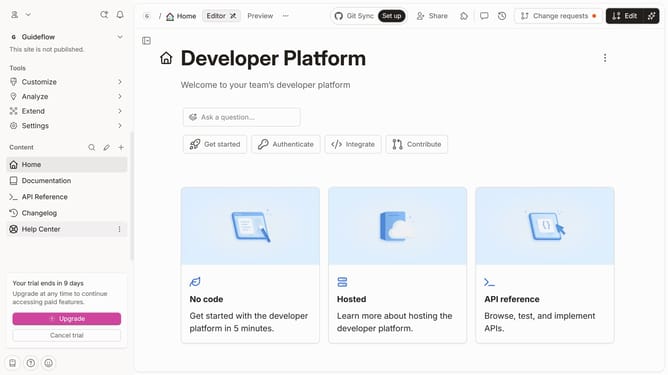
- Next, in the left sidebar, click on "Customize"
- Then, select "Theme" from the "Tools" menu in the left sidebar
- After that, click on the toggle switch to disable the "Show mode toggle" option
- Finally, click on the "Save" button
Why should you disable mode toggle in docs site in GitBook
GitBook is a dynamic platform designed for creating, sharing, and managing sleek and informative documentation with ease.
Disabling the mode toggle in your GitBook docs site streamlines the user experience by presenting a consistent interface without the distraction of mode changes. No more toggles keeping users wondering which mode they are in—everything stays clear and straightforward.
This can be particularly beneficial for audiences who may not be technically inclined, ensuring that your message is delivered without hindrance or confusion. Enjoy the benefit of a focused reading environment that enhances content engagement.
Last update