How to format your content in Gitbook
Here is how to format your content in gitbook
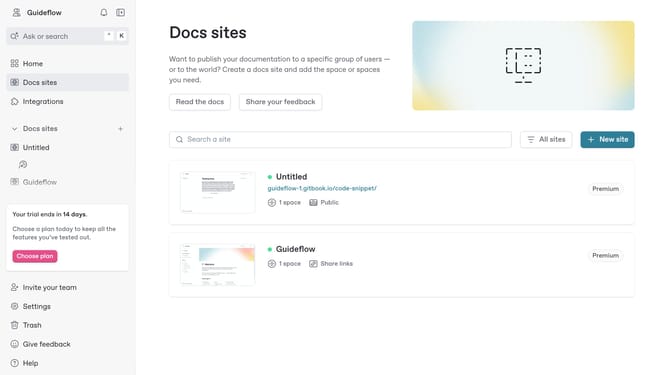
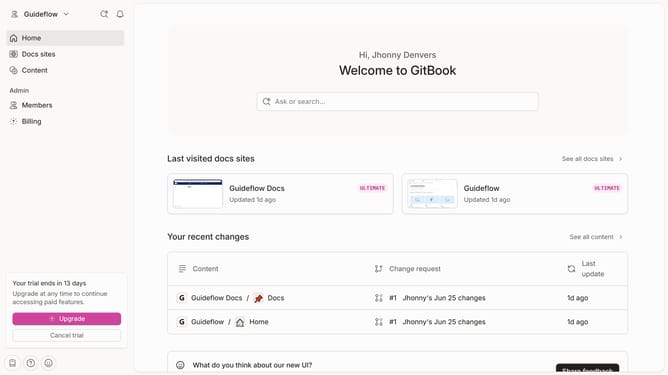
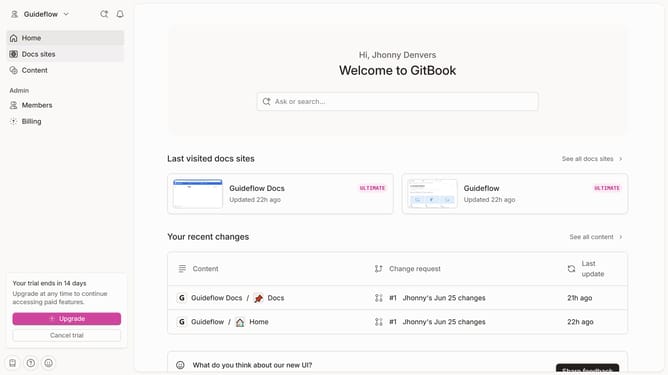
- First click the site card you want to edit in the docs sites list
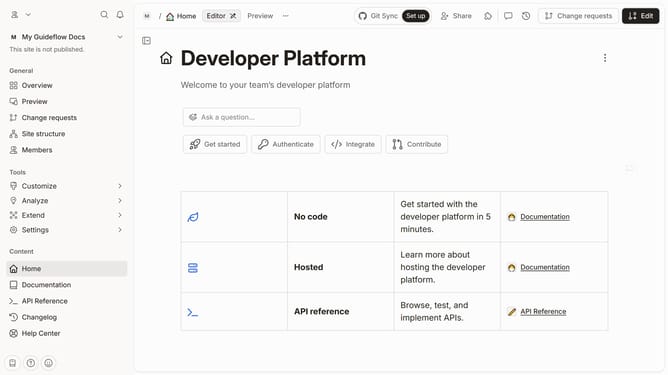
- Then click on the "Start editing content" button in the site overview section
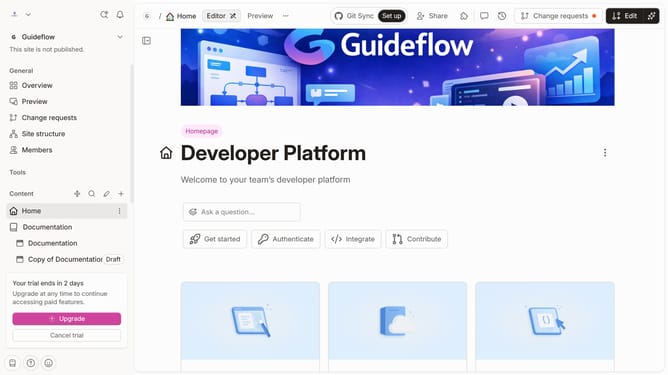
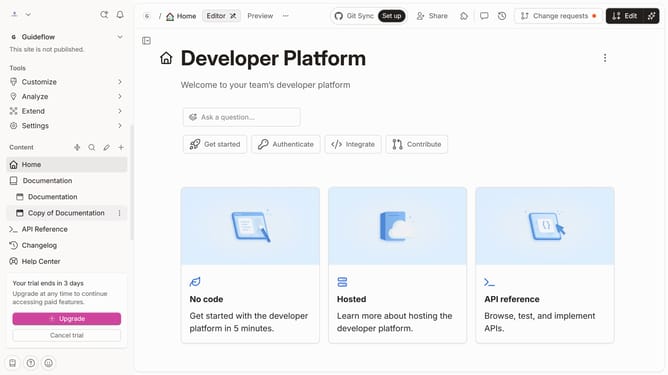
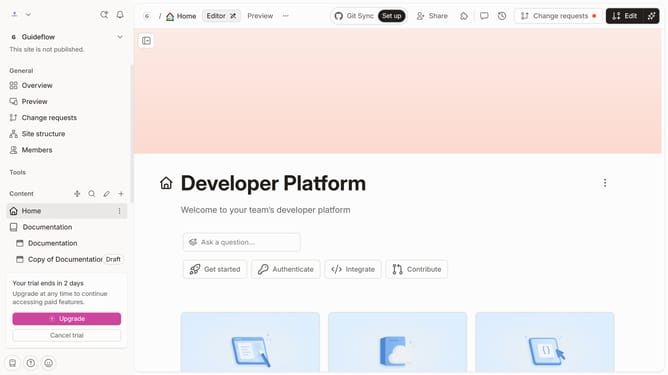
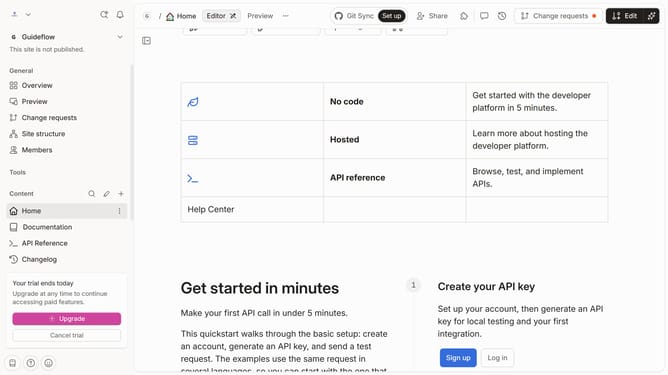
- Click on the "Edit" button in the top toolbar
- Select the text you want to edit in the main editor area
- Here you will find different options to format your text
- Once satisfied, click the "Merge" button in the top toolbar
Why should you format your content in Gitbook
Gitbook is a versatile platform designed to effortlessly transform your documentation into an intuitive and collaborative experience.
Formatting your content in Gitbook ensures clarity and consistency, making it easier for readers to understand and navigate.
With its user-friendly interface, you can effortlessly organize text, images, and code blocks, enhancing the visual appeal and engagement of your content.
Using Gitbook to format your documentation not only improves readability but also facilitates seamless updates and collaboration among team members.
Last update