How to add a table checkbox column in help center in Gitbook
Here is how to add a table checkbox column in help center in gitbook
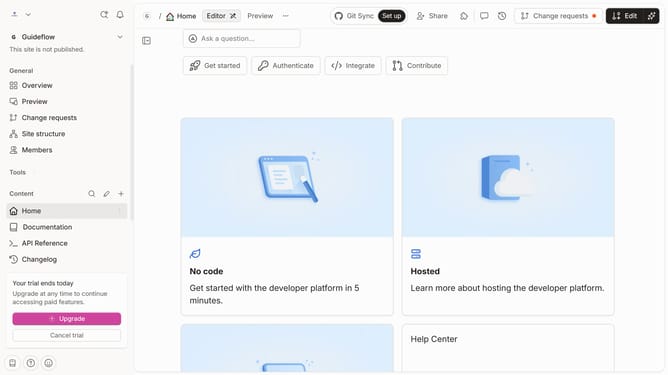
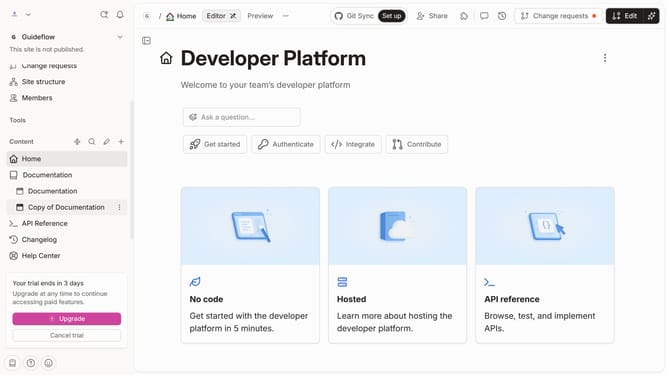
- First click on "Help Center" in the left sidebar
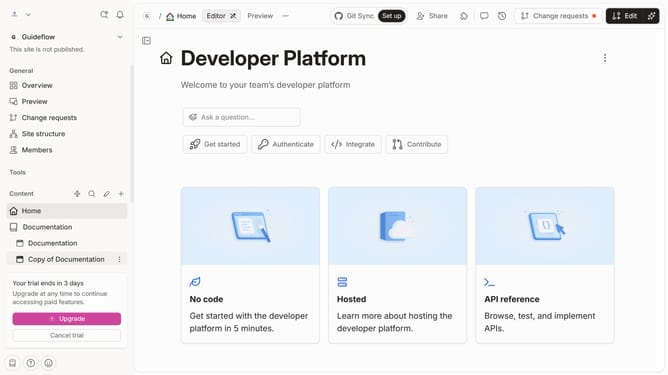
- Then click on the "Edit" button in the top header
- Next click on the dots icon to open block options
- Then click on "Add column" in the dropdown menu
- Next select "Checkbox" from the column type options
- Finally click on the "Merge" button in the top header
Why should you add a table checkbox column in help center in Gitbook
Gitbook is a versatile platform designed for effortless documentation and collaboration.
Adding a table checkbox column in the Gitbook help center can significantly enhance your documentation capabilities.
This feature allows users to effortlessly track tasks, manage projects, or organise information within a single document.
Utilising checkbox columns streamlines collaboration by providing a clear, visual representation of progress and outstanding items, adding to a more organized and dynamic workflow.
Last update